
README file from
GithubLearnKit





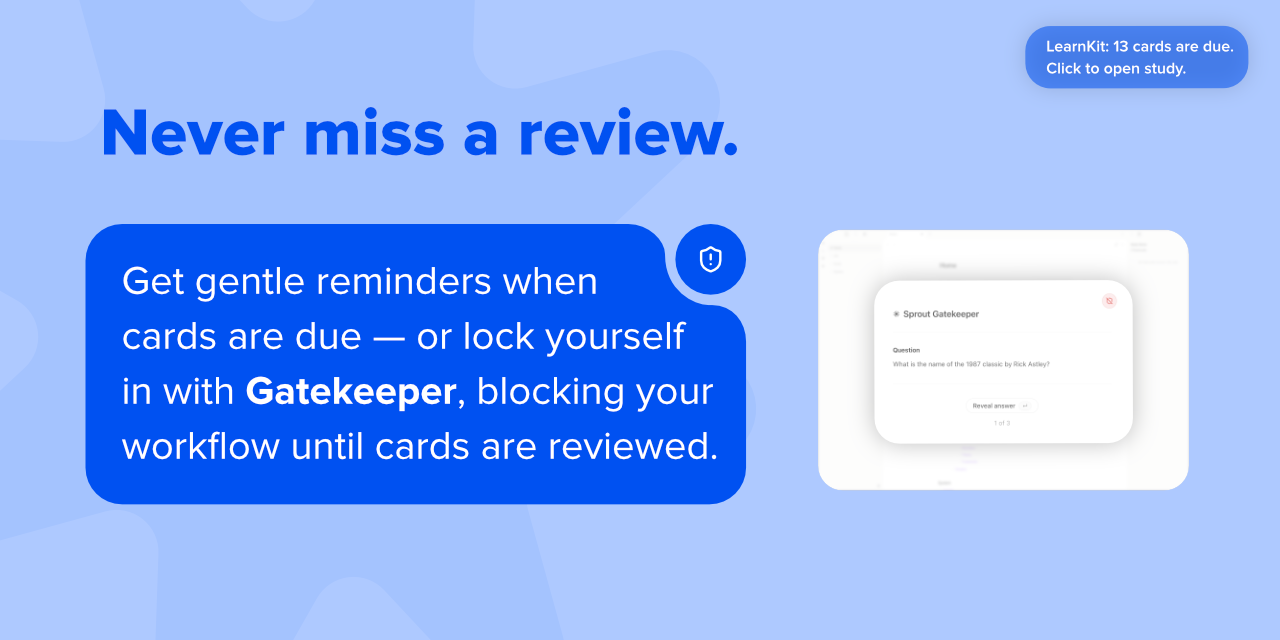
 LearnKit helps you remember what you write. With flashcards, note review, tests, and AI-assisted study tools built into Obsidian, your vault becomes a place to actively learn, not just store information.
Flashcards were where LearnKit began, but the goal was always bigger: to connect notes, review, and long-term retention in one workflow.
Why LearnKit
Obsidian is great for capturing knowledge. LearnKit is built for retaining it. Instead of splitting your workflow across multiple study apps, LearnKit keeps learning inside your vault.
Start learning from your vault
LearnKit is easiest to understand once you use it. Install it, create a flashcard, run a review, or generate a test to see how it fits your study workflow.
- Install from Community Plugins in Obsidian
- Explore documentation
- Download the latest release
Install from Community Plugins
- Open Obsidian → Settings → Community Plugins
- Browse Community Plugins and search for LearnKit
- Install and enable LearnKit
Manual install from Releases
-
Go to Releases and download the latest release
-
Copy
main.js,styles.css, andmanifest.jsoninto:<Vault folder>/.obsidian/plugins/learnkit/ -
Restart Obsidian → Settings → Community Plugins → Enable LearnKit
Guides & Support
💡 Need help in-app? Open the built-in LearnKit guide inside Obsidian.
💬 Have questions or ideas? Ask in LearnKit Discussions →
🌐 Want to contribute or help translate LearnKit? See the Contributing Guide →
Key features
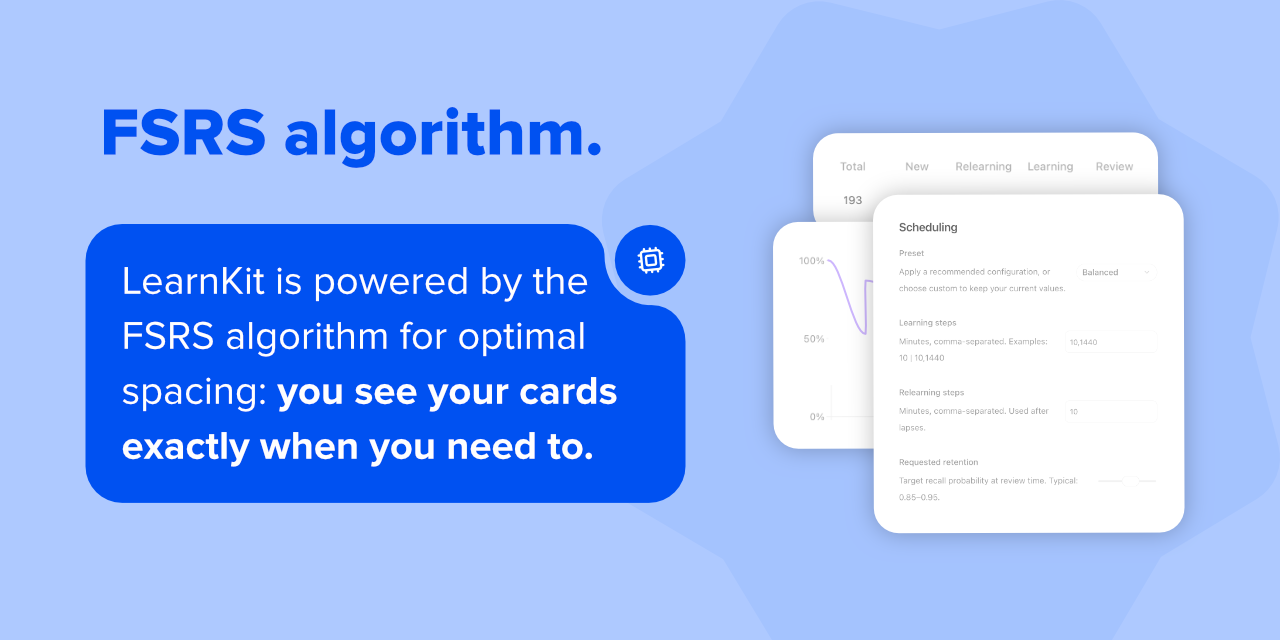
- FSRS scheduling — adaptive spaced repetition so every review counts.
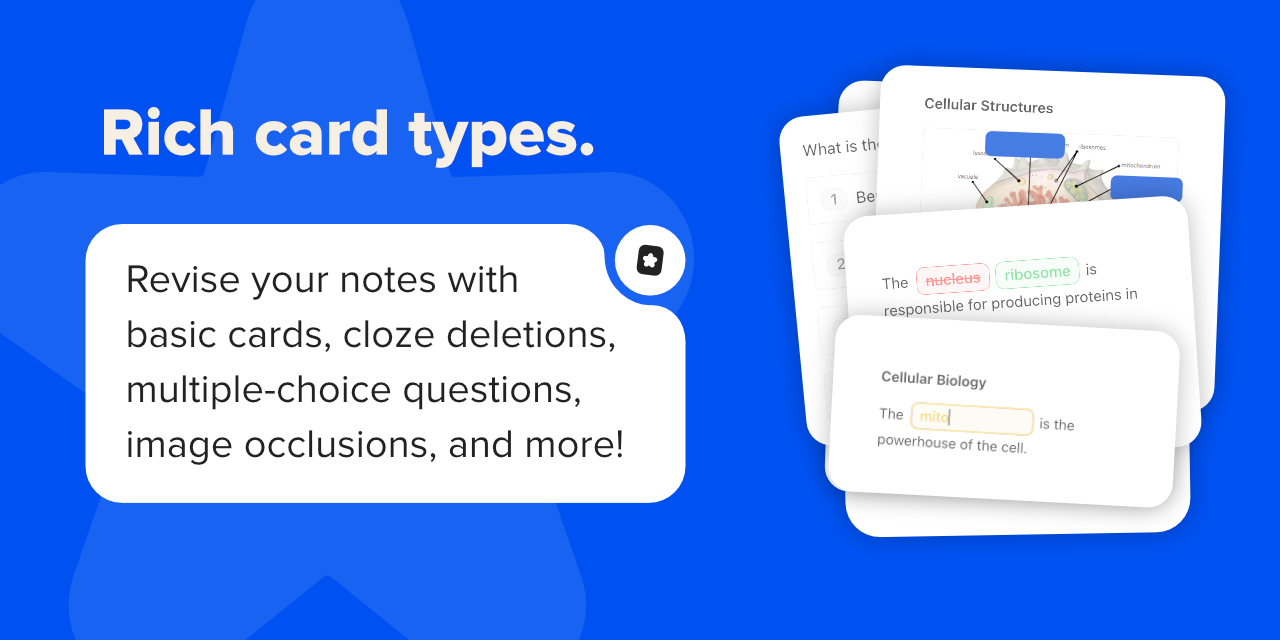
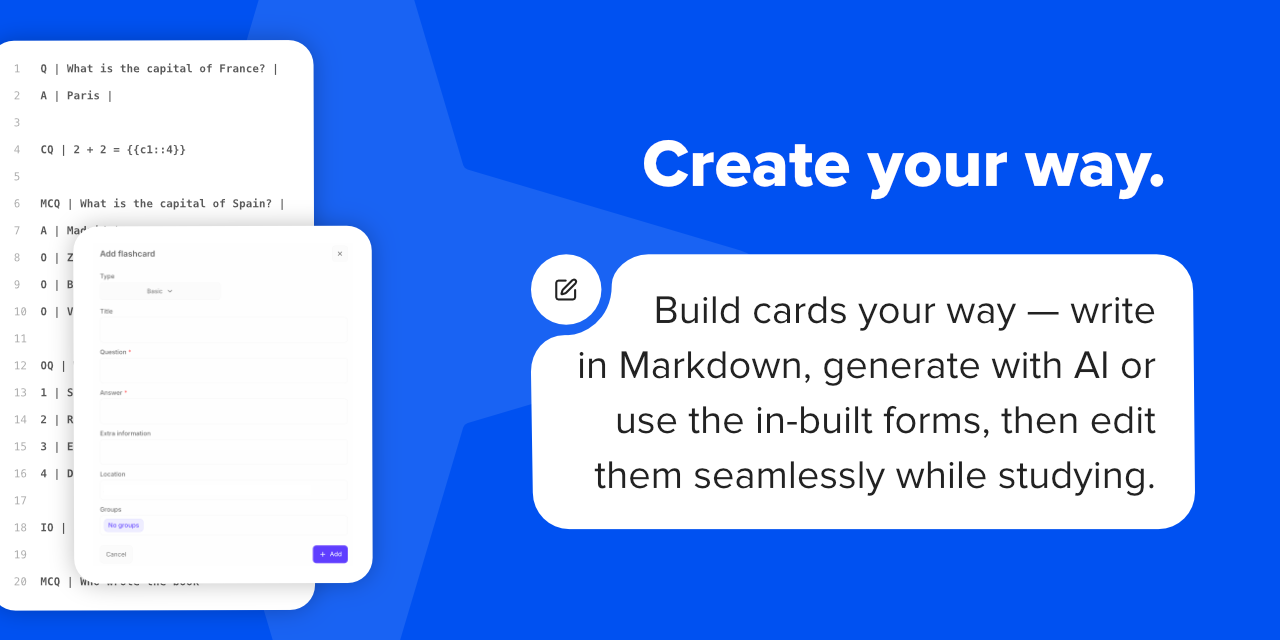
- Rich flashcard types — cloze, basic, reversed, multiple choice, image occlusion, and more.
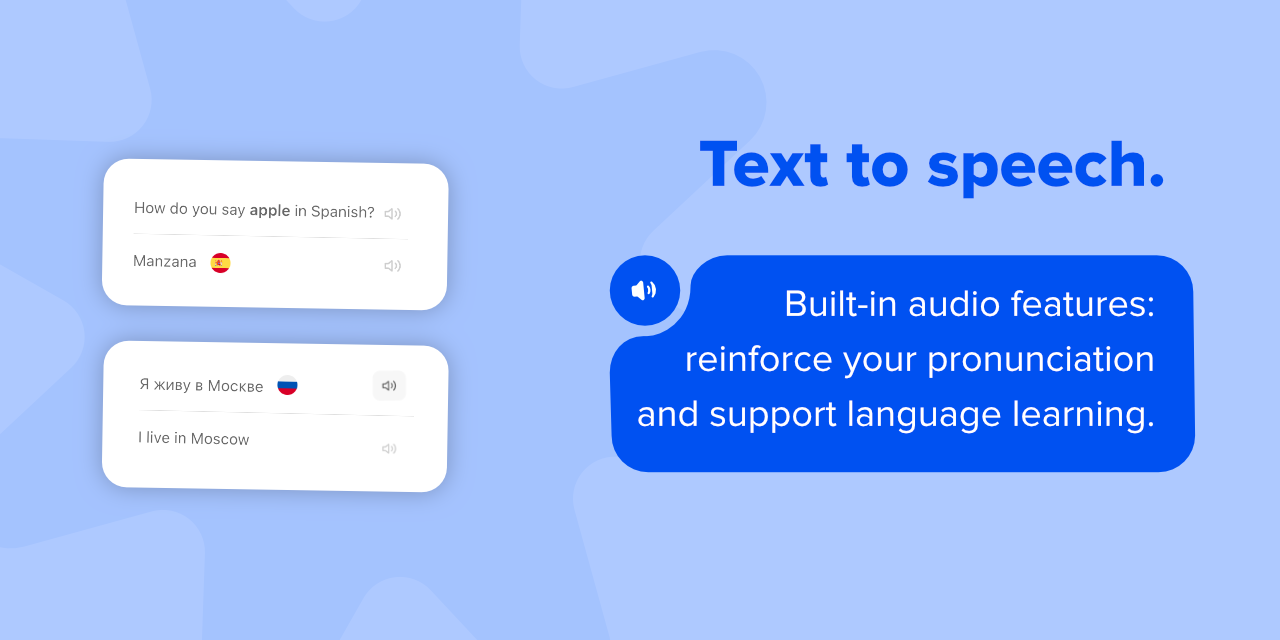
- Text-to-speech & audio — built-in playback for language learning and listening practice.
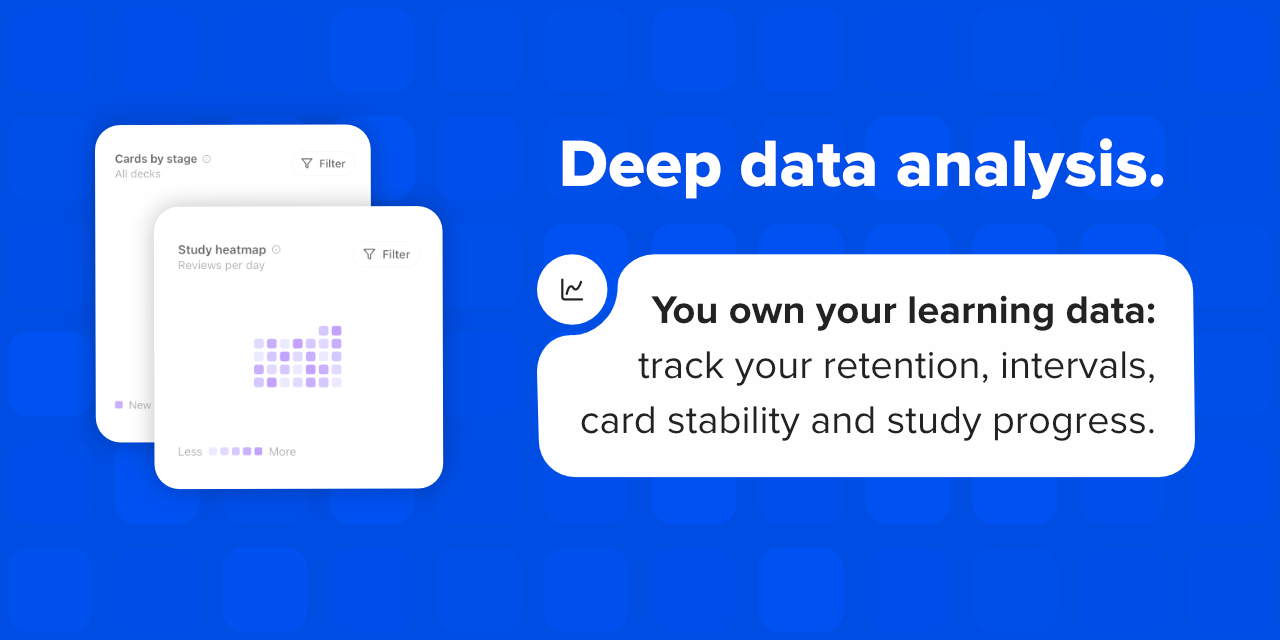
- Study analytics — charts, heatmaps, and retention trends at a glance.
- Markdown-first — flashcards live inside your notes, linked to the knowledge they came from.
- Reading view customisation — keep notes clean and distraction-free while studying.
- Note review mode — spaced repetition for your notes, not just flashcards.
- Study coach — personalised study plans and coaching for your exams.
- Test mode — AI-generated quizzes straight from your notes.
Companion — AI learning assistant
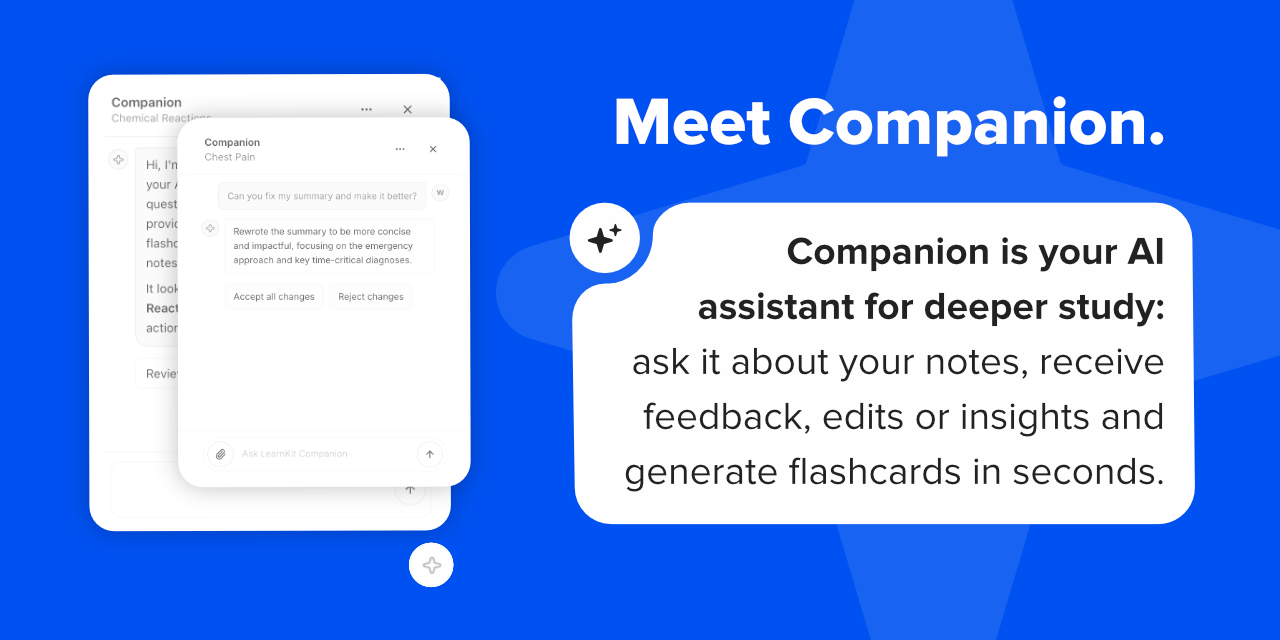
Companion is LearnKit's built-in AI study assistant for working directly with the notes you already have.
- Ask anything — get instant answers grounded in the note you're reading.
- Generate flashcards and tests — turn any note into study-ready material in seconds.
- Review and improve — get targeted feedback that makes your notes clearer and more complete.
- Edit with AI — Companion can rewrite, restructure, and refine your notes for you, right where you work.
Turn notes into study-ready material without leaving Obsidian.
Feature highlights
FAQ
If you are deciding whether LearnKit fits your workflow, start here.
- Can I use LearnKit with my existing notes? Yes. LearnKit is designed to work with the notes you already have in Obsidian, so you can turn existing material into flashcards, reviews, and tests instead of starting from scratch.
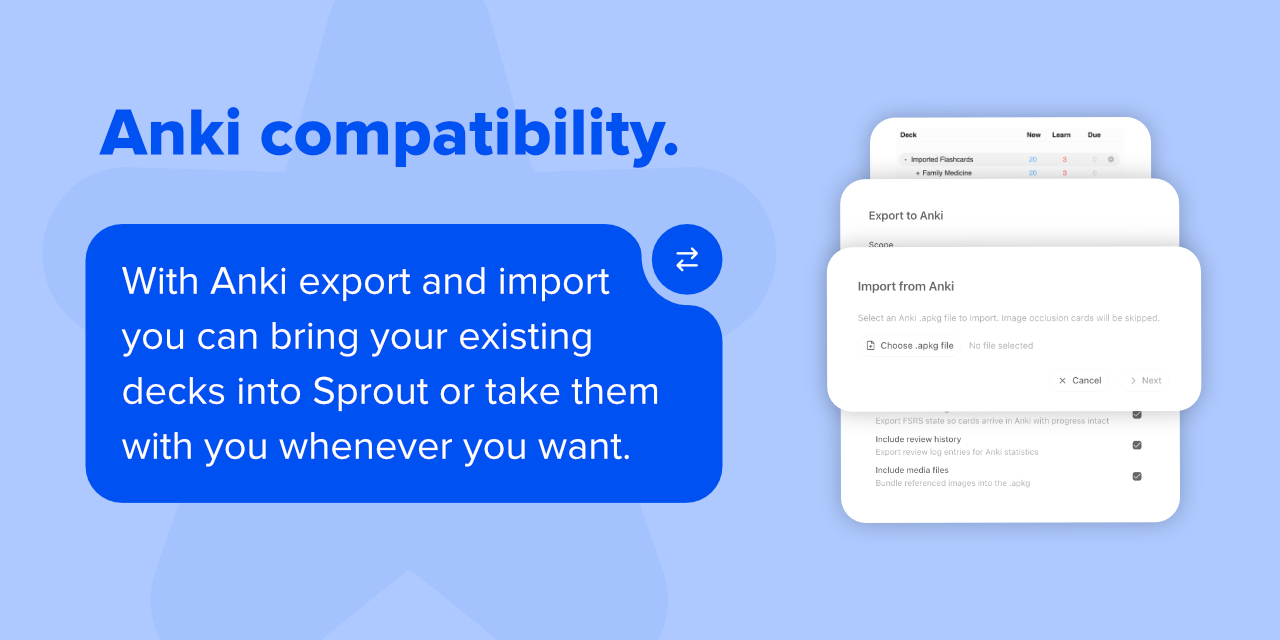
- Does it work with Anki? Yes. LearnKit supports Anki import and export for decks, media, and scheduling-related data where supported. Image Occlusion flashcards are currently skipped on import and are not exported.
- Does it work on mobile? Yes. LearnKit is not desktop-only, though some workflows may feel better on larger screens. Check the docs for current platform notes and limitations.
- What is planned for Companion? Companion now supports agentic note editing alongside chat, flashcard generation, and test generation. Custom skills are planned for future updates.
- Do I need AI to use LearnKit? No. AI is an optional layer in LearnKit, not a requirement. You can use the main study workflow without connecting any model provider.
- Is LearnKit free? Yes. LearnKit itself is free and open source. Companion does not add a subscription layer, but external model providers may charge depending on the API you use.
- How does Companion work? Companion uses your own API key, so there are no subscriptions or markups from LearnKit. It works with providers including Google, OpenRouter, Anthropic, OpenAI, and Perplexity.
- Can Companion access my whole vault by default? No. Companion only receives the note content you send in a given workflow, such as asking about a note, generating flashcards, or generating a test. Depending on the feature and your settings, that can also include extra context such as note attachments or linked notes for context.
- Do all AI models support every Companion feature? No. Free models are a good way to get started, but capability varies by model. Premium models generally perform better for more demanding tasks such as working with attachments.
- How do I report a Companion issue? If you run into a Companion issue, please file an AI issue report so we can track problematic models and providers.
- Where can I check which models support each Companion feature? We maintain a Companion Model Compatibility table showing which AI features work on each provider and model. If you have tested a provider or model, please submit a PR to update the table and help other users.
Privacy & Disclosures
One review warning is accepted rather than fixed, and it is worth stating plainly:
- "Plugin assembles domain names at runtime - split/join domain assembly." The charts are drawn with Recharts, which uses Redux Toolkit internally (Recharts ->
@reduxjs/toolkit->redux,immer,react-redux). LearnKit imports Redux nowhere. The one string in the bundle matching that pattern is Redux's own random action-token generator -Math.random().toString(36).substring(7).split("").join(".")- which decorates a random word with dots. It is not a domain, and no endpoint is assembled at runtime: every host listed above is a literal string in the source. Patching vendored library code was rejected deliberately, because it would silently stop applying on the next Recharts or Redux bump; removing the warning for good would mean rendering charts with a library that has no Redux inside it.
Everything below is what Obsidian's automated review asks plugins to declare. LearnKit is local-first: none of its features require an account, and no data leaves your machine unless you switch on an AI provider, TTS, or an online image source yourself.
- Vault read and write. LearnKit indexes the notes you point it at so it can find, render, sync and schedule flashcards. It can read any file in the vault, and it writes only the files a feature needs: card blocks and anchors in the notes you card, its own generated images, audio cache files, and backups.
- External requests. Nothing is sent anywhere until you ask for it. The complete list of hosts LearnKit can contact:
- AI providers, only when you have configured one and used a Companion feature:
generativelanguage.googleapis.com(Google),openrouter.ai,api.anthropic.com,api.openai.com,api.deepseek.com,api.x.ai(xAI),api.perplexity.ai, or a custom OpenAI-compatible base URL that you enter yourself. That custom endpoint is why the review reports "assembles domain names at runtime": the request host comes from your settings. - Text to speech, only when you play audio and have chosen a provider:
texttospeech.googleapis.com(Google) orapi.elevenlabs.io. - Circle flag images in card text, fetched from
hatscripts.github.ioand cached in your plugin data file (with a bundled fallback, so reading cards works offline). - This plugin's own repository, for the release notes and About page:
api.github.com,raw.githubusercontent.com,cdn.jsdelivr.net. - The About page also has links you may click (
github.com,buymeacoffee.com,linkedin.com); it does not fetch them.
- AI providers, only when you have configured one and used a Companion feature:
- Clipboard. Used in two places: pasting an image into the Image Occlusion editor or the card creator (the paste event's own clipboard data), and the About page's copy button. Nothing is read from the clipboard in the background.
- Plugin data file, not browser storage. LearnKit stores its settings, caches and preferences in its own
data.jsonthrough Obsidian's plugin data API. It no longer toucheslocalStorage/sessionStorage, so nothing is kept in the renderer's web storage. - Base64 and an inline WASM blob. The Anki importer and exporter run on SQLite compiled to WebAssembly (
sql.js). An Obsidian plugin may only shipmain.js,manifest.jsonandstyles.css, so that module and its WASM are embedded inmain.jsand decoded at runtime (base64 + zlib). The WASM exports its linear memory, as Emscripten modules do. Nothing here is obfuscation: the source is in this repository and the built file is built by CI from it. - AI providers. Companion sends only the content a workflow needs (the note you asked about, plus any context a feature documents). API keys are stored in your plugin data file.
- No telemetry, no analytics, no ads, no tracking. LearnKit does not phone home.
License & Credits
License
LearnKit is released under the MIT License.
See the full license for more details.
Credits
FSRS scheduling in LearnKit is powered by FSRS-6 via open-spaced-repetition/ts-fsrs.
This project also uses Circle Flags assets from HatScripts/circle-flags, licensed under MIT.
Thanks to everyone who has contributed ideas, bug reports, and feedback. Special thanks to sevenRevy for code contributions.
See here for additional third-party attributions and license notices.
Our Commitment
LearnKit is open source and always free. Your notes, your data, your control — no paywalls, no lock-in.