
README file from
GithubRSS Dashboard
Only the feeds you need. Stream the world's knowledge into your vault: RSS, podcasts, YouTube, and more, all in one dashboard.



Install · Documentation · Discord · Latest Release · Contributing
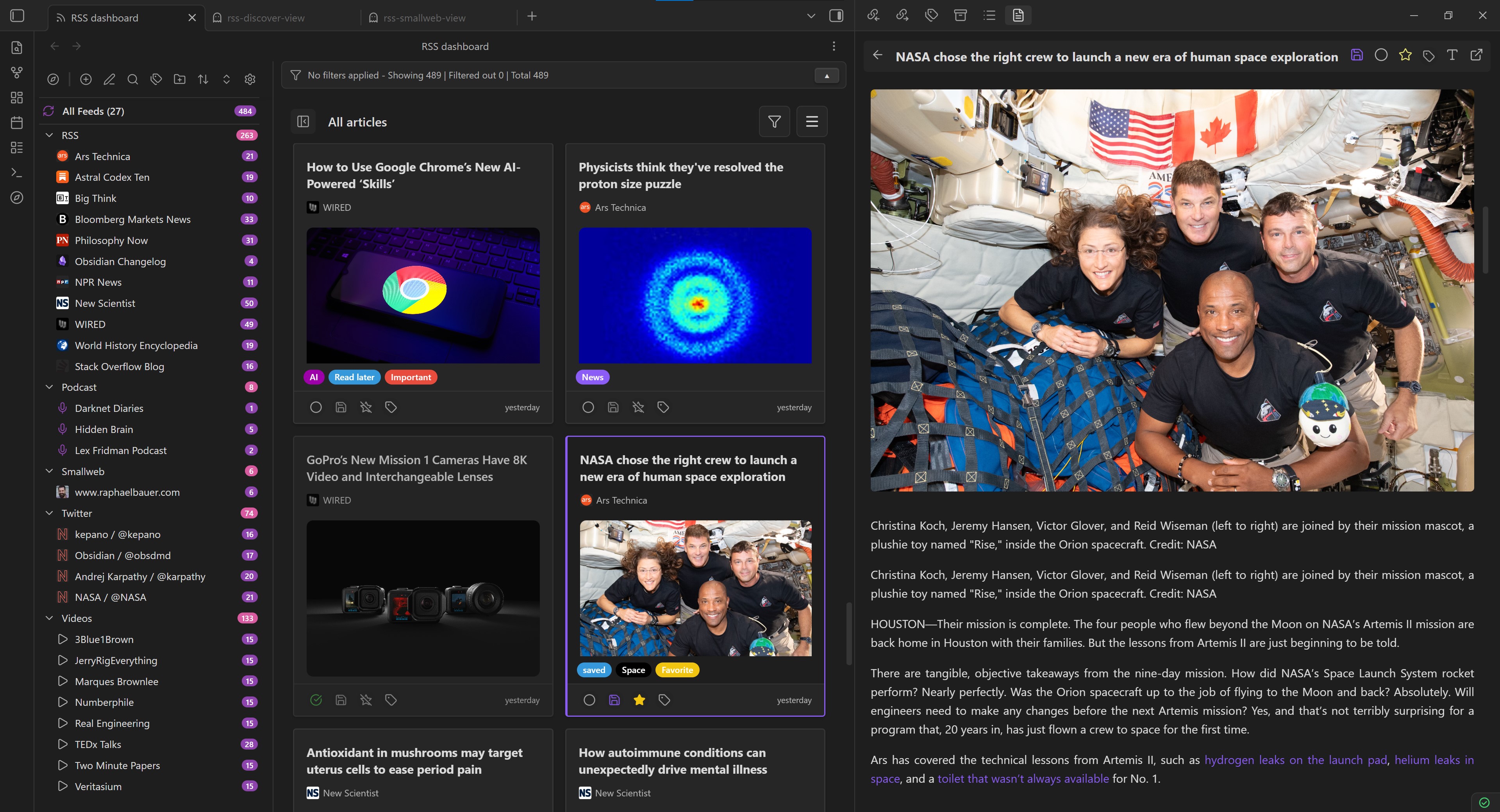
What is RSS Dashboard?
A free, open-source Obsidian plugin that streams RSS, podcasts, YouTube, and more directly into your vault. Read, organize, and save content without leaving Obsidian.
No ads. No trackers. No pop-ups. Open source.
Community & Philosophy
Built for people who value privacy and data ownership. Part of the Obsidian ecosystem—developed in the open, funded by the community, and designed to integrate seamlessly with your vault.
Want to help shape the next release? Join Discord
Read Without Distraction
Full article content fetched and rendered right in Obsidian. No ads, no distracting sidebars—just the text you came to read. Track your progress through articles, videos, and podcasts. Resume where you left off, distraction-free.
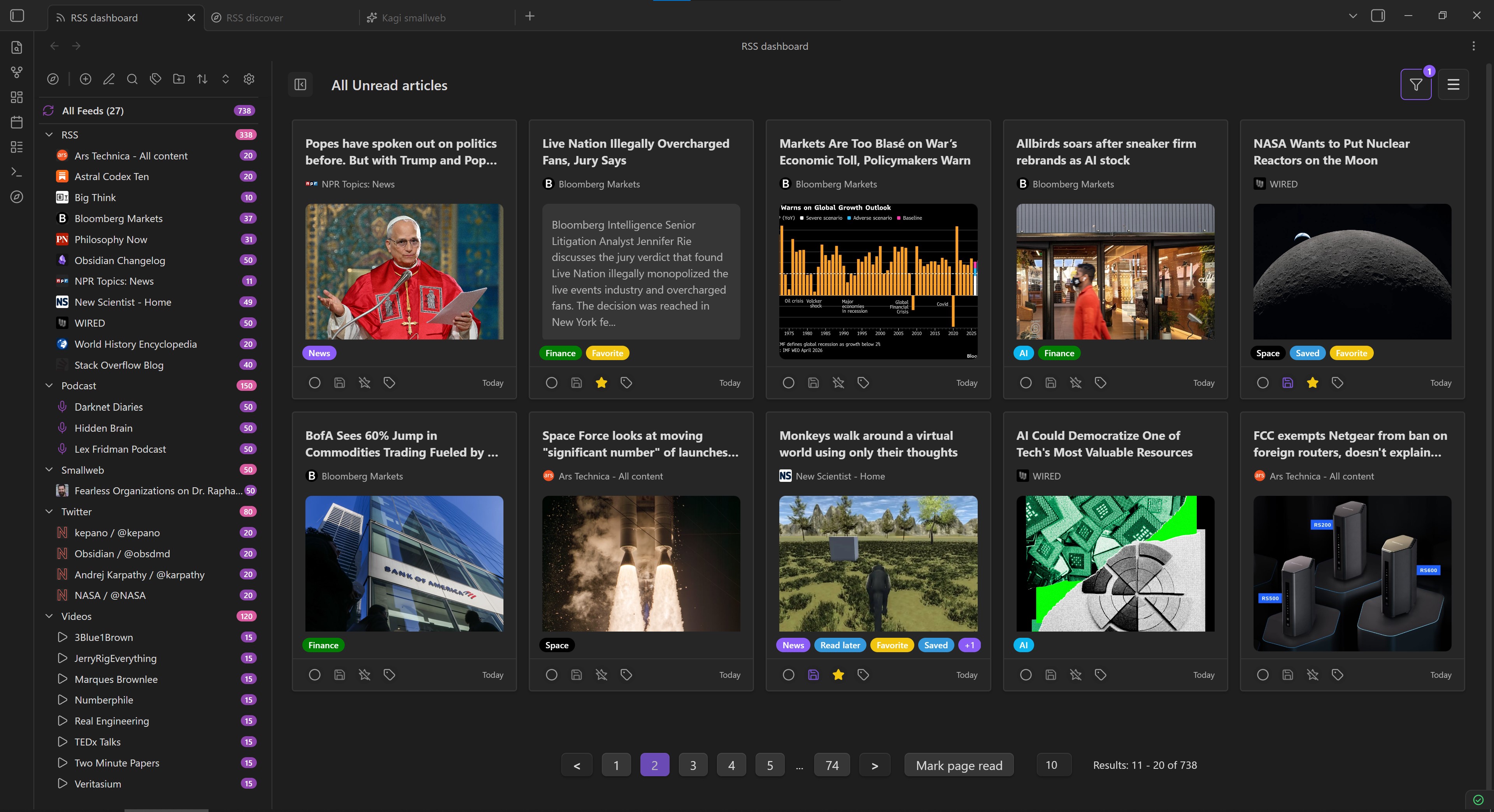
Build Your Reading System
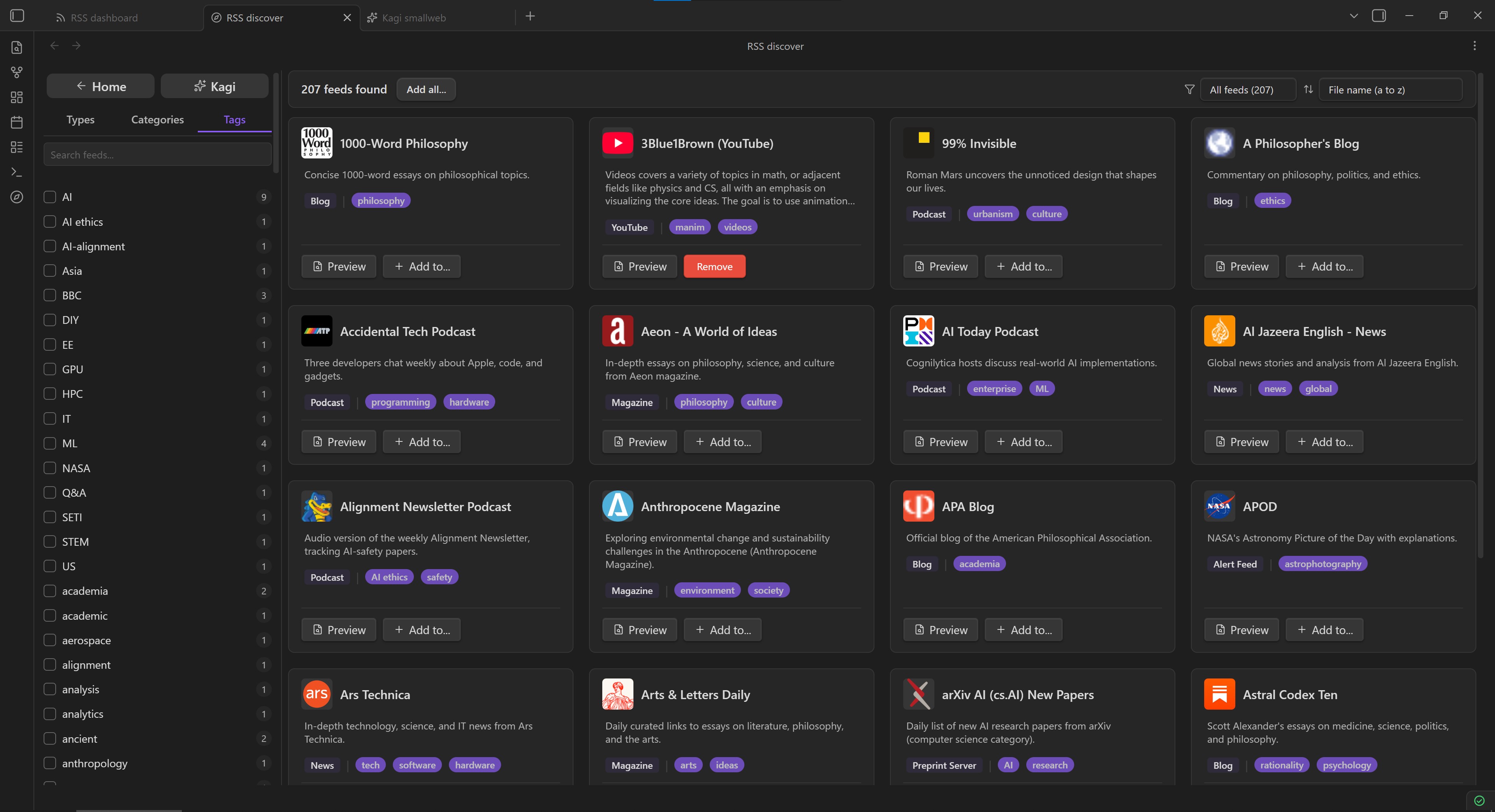
Your feeds, organized your way. Create folders and subfolders, add custom tags, filter by read status or feed, sort by date or category. Automatic refresh keeps your subscriptions current. Discover new feeds from our curated Discover page or browse smaller independent blogs through Kagi Smallweb.
Keep What Matters
Save articles directly to your vault as Markdown. Customize what gets saved with templates, frontmatter variables, and automatic tagging. Your archive, perfectly formatted.
Own Your Data
Completely local. Completely open source. No ads, no tracking, no paywalls—just your data, stored on your device. Full control over what you read and how it's organized.
Move Your Data Freely
Import and export your subscriptions as OPML. Support for RSS, Atom, JSON feeds, YouTube channels, podcasts, and Mastodon accounts. Migrating from Inoreader or FreshRSS? Import your starred articles directly. Switch tools anytime—your data comes with you.
Screenshots
[!NOTE] These screenshots predate 2.7.0. The Twitter folder and the X/Twitter feeds in the sidebar relied on the Nitter integration, which was removed in 2.7.0 after Nitter shut down. See the changelog for details and alternatives.
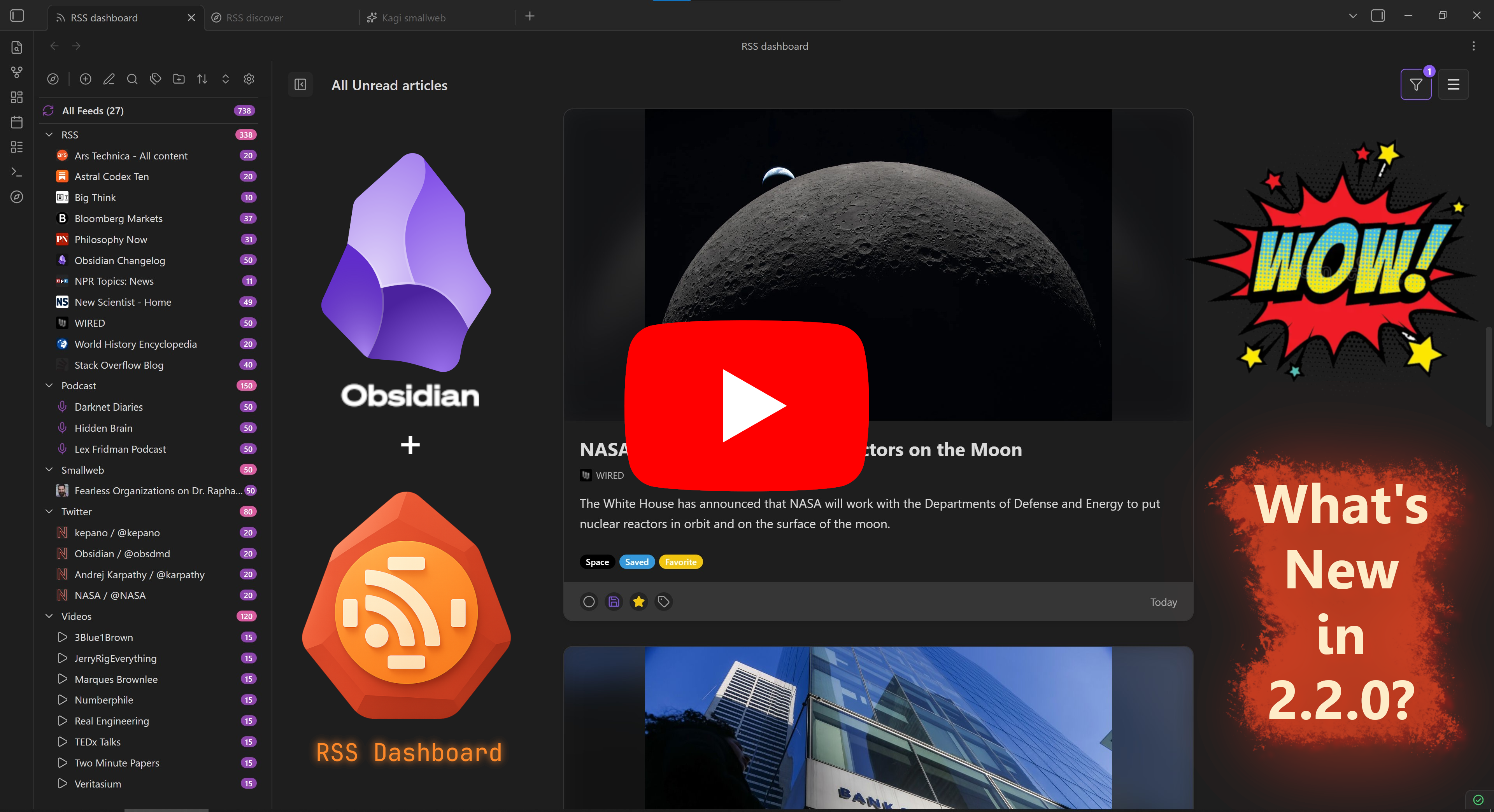
Version 2.2.0 Demo
Version 2.2.0 demo (core experience remains similar).
Installation
- Open Settings in Obsidian.
- Go to Community plugins → disable Restricted mode (if enabled).
- Click Browse.
- Search RSS Dashboard and click Install.
- Enable the plugin in Community plugins list.
For BRAT beta testing or manual installation, see Installation Methods.
Getting Started
- Open RSS Dashboard from the ribbon or command palette.
- Click + to add your first feed. Try a familiar URL (e.g., a news site or YouTube channel).
- Click an article to read in the built-in reader.
- Optionally save articles to your vault.
For detailed workflows, see Getting Started Guide.
Documentation
Complete guides, workflows, and reference: Read the Docs
Roadmap
Feature direction and what's being explored: Public Roadmap
Support & Community
Contributing
Want to help? See CONTRIBUTING.md
Support Development
If you find this plugin useful:
License
MIT. See LICENSE for details.