
README file from
GithubUnsent Letters — Frozen Typewriter
A dark, icy theme for Obsidian, designed for long writing sessions. It pairs a low-glare arctic palette with typewriter-style headings, focus tools and a fully configurable interface.
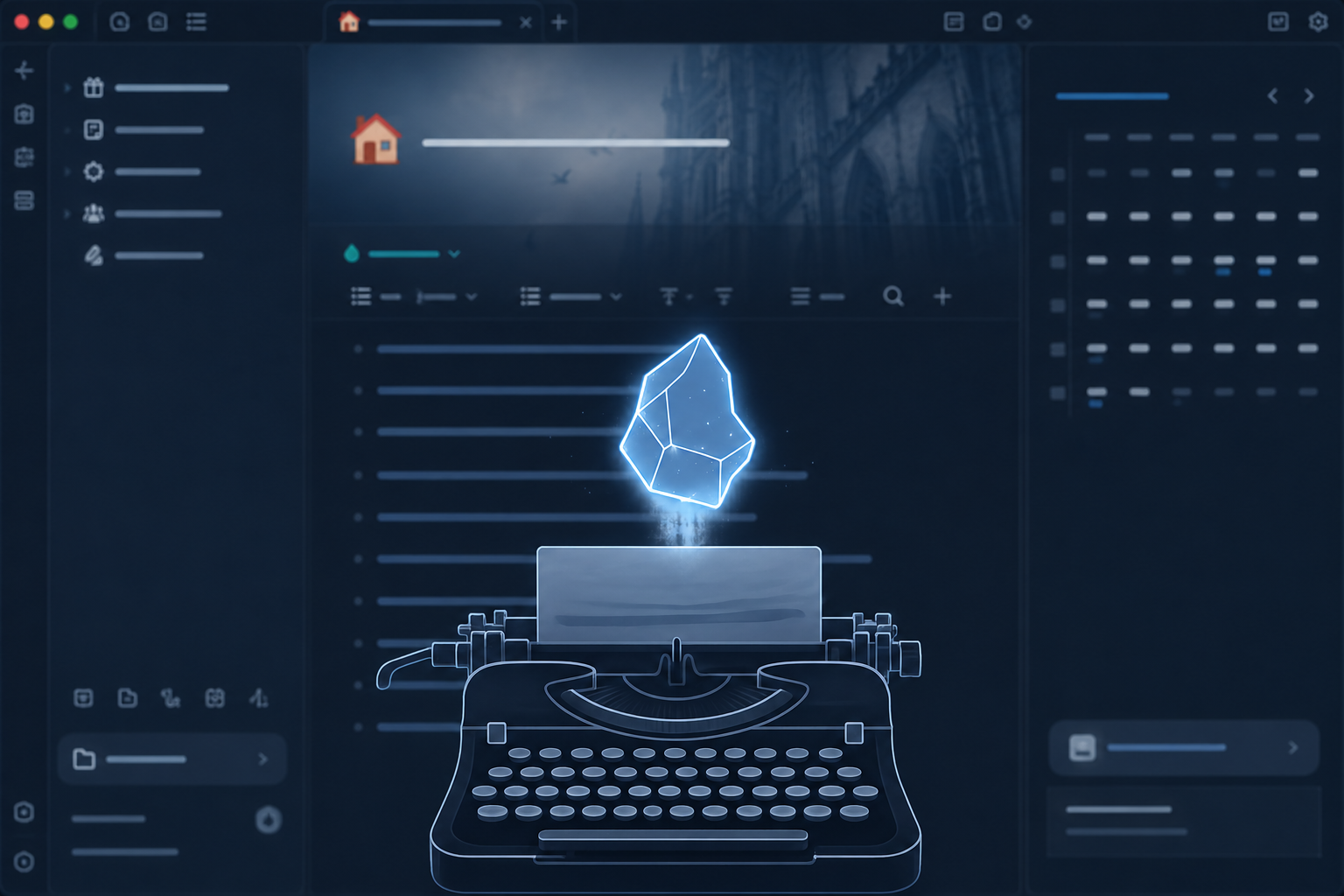
Overview
Unsent Letters is built for sustained drafting rather than first impressions. The defaults favor readability after hours of use: generous line height, a constrained content width, soft contrast, and writing aids that keep attention on the current line.
Features
Writing experience
- Focus mode: inactive lines dim and blur slightly while the active line stays sharp.
- Breathing cursor: a smooth opacity fade replaces the hard on/off blink.
- Typewriter scrolling: extra vertical padding lets the active line stay centered in the pane, like a typewriter carriage. Works with Obsidian's typewriter scroll setting.
- Paper grain: a barely visible noise layer over the editor surface.
- Zen mode: hides the tab bar, ribbon and status bar completely.
- Readable layout: configurable maximum content width, line height and letter spacing.
Drafting tools
- Dialogue highlighting: text wrapped in
<q>elements receives a configurable warm tint. - Draft comments: Obsidian
%% comment %%syntax gets its own color and background, separating notes-to-self from the manuscript.
Interface
- Styled callouts (all built-in types), tags, tables, code blocks, blockquotes, task checkboxes, buttons, modals and the quick switcher.
- A single-accent file explorer with consistent hover and active states.
- Alternative styles for callouts (tinted box, left bar, outline) and links (border underline, text underline, none).
Palettes
| Palette | Description |
|---|---|
| Dark (default) | Arctic blue-black surfaces with ice-blue accents. |
| Light ("Killer Queen") | Warm cream surfaces with pink, gold and wine accents. |
Each palette is configured independently.
Customization
All options are exposed through the Style Settings plugin, with no CSS editing required. Settings are grouped into collapsible sections:
| Section | Includes |
|---|---|
| Colors | Surfaces, accent, frost tint, text, links, borders, status colors, headings, code syntax, shadows. Set separately for light and dark. |
| Typography | Prose, monospace, UI and heading fonts; size, weight, line height, letter spacing, alignment, hyphenation. |
| Headings | Size, weight and letter spacing per level; text transform; H1 underline. |
| Layout & motion | Content width, padding, border radii, scrollbar width, transition speed and easing. |
| Writing aids | Focus dim and blur, cursor, typewriter padding, paper grain, dialogue and comment colors. |
| Content elements | Links, blockquotes, code, callouts, tags, tables and tasks. |
| Interface | Tabs, file explorer, status bar, buttons and modals. |
| Features | Toggles for focus dimming, breathing cursor, paper grain, pane frame, hover effects, status bar and ribbon. |
Installation
Style Settings is optional but required to change the defaults.
- Open your vault folder and go to
.obsidian/themes/. - Create a folder named
Unsent Letters. - Copy
theme.cssandmanifest.jsoninto it. - In Obsidian, open Settings → Appearance → Themes and select Unsent Letters.
- Optionally install Style Settings from Community plugins to customize the theme.
Accessibility and performance
- Respects
prefers-reduced-motion: transitions and the breathing cursor are disabled. - Responsive layout: smaller base font size and full-width content below 768px.
- No
@import, no network requests and no bundled fonts. The theme uses system font stacks only, and any font you name in the settings must be installed locally.
License
MIT. See LICENSE.