
README file from
GithubKami Reader
A warm parchment, long-form reading theme for Obsidian.
Adapted from the tw93/kami print design system (unofficial).


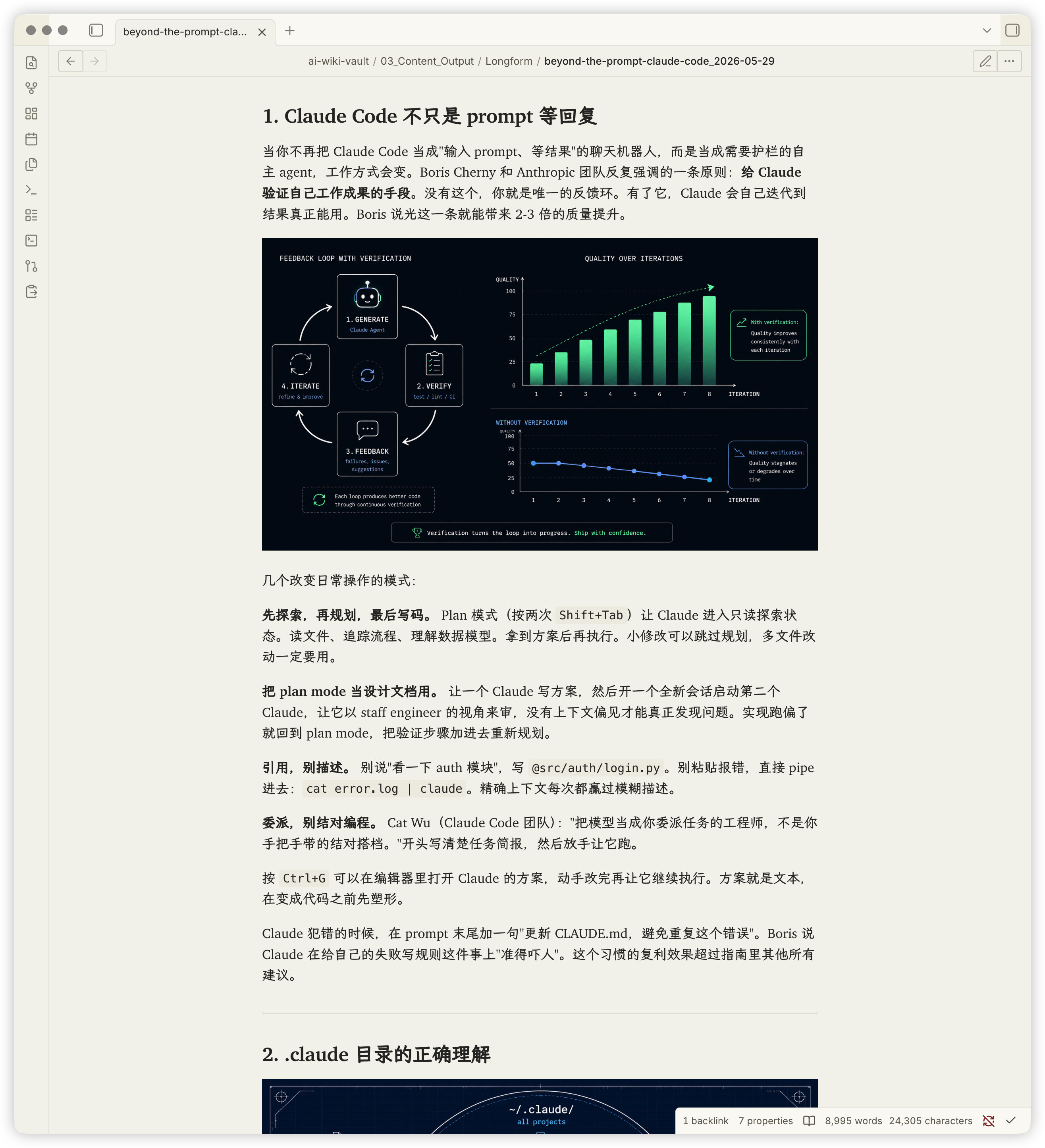
Kami Reader brings the print-grade typography of Kami into Obsidian: warm parchment backgrounds, ink-blue accents, literary serif headings, and screen-optimized body text, paired with a fully adapted workspace shell (sidebars, ribbon, status bar, and modals).
💡 Optional companion: For a seamless, book-like reading stage across new tabs and outlines, you can optionally install Kami Reader Companion (Kami Reader works completely on its own without it).
Design Principles
- Warm Parchment Surface: All neutrals carry a warm yellow-brown undertone (no cold blue-grays), making long reading sessions comfortable for the eyes.
- Color Restraint: Follows Kami's signature "ink blue" single-accent philosophy—used strictly for headings, links, and active focus, never as mindless decoration.
- Calibrated Weights: Headings retain their literary voice, while Dark Mode uses calibrated bold weights (600) so text stays crisp and readable in dim lighting.
| Token | Light | Dark | Role |
|---|---|---|---|
| Parchment / Deep Dark | #f5f4ed |
#141413 |
Primary note background |
| Ivory / Dark Ivory | #faf9f5 |
#1a1917 |
Cards, callouts, and overlays |
| Shell Parchment | #f0eee4 |
#1d1c1a |
Sidebars, ribbon, tab strip, status bar |
| Warm Sand | #e8e6dc |
#353330 |
Borders and dividers |
| Dark Surface / Warm Ivory | #30302e |
#e8e3d2 |
Body text |
| Ink Blue / Ink Light | #1B365D |
#2D5A8A |
Accent: headings, links, selection |
| Olive | #504e49 |
#b4b09e |
Blockquotes and captions |
| Warm Highlight | #f3e3a8 |
#5a4a1f |
==mark== highlight |
| Tag Tint | #E4ECF5 |
#E4ECF5 |
Tag solid background |
Screenshots
Current captures from version 0.3.1 using synthetic example notes (without Companion):
| Reading and layout | Interaction and detail |
|---|---|
Light reading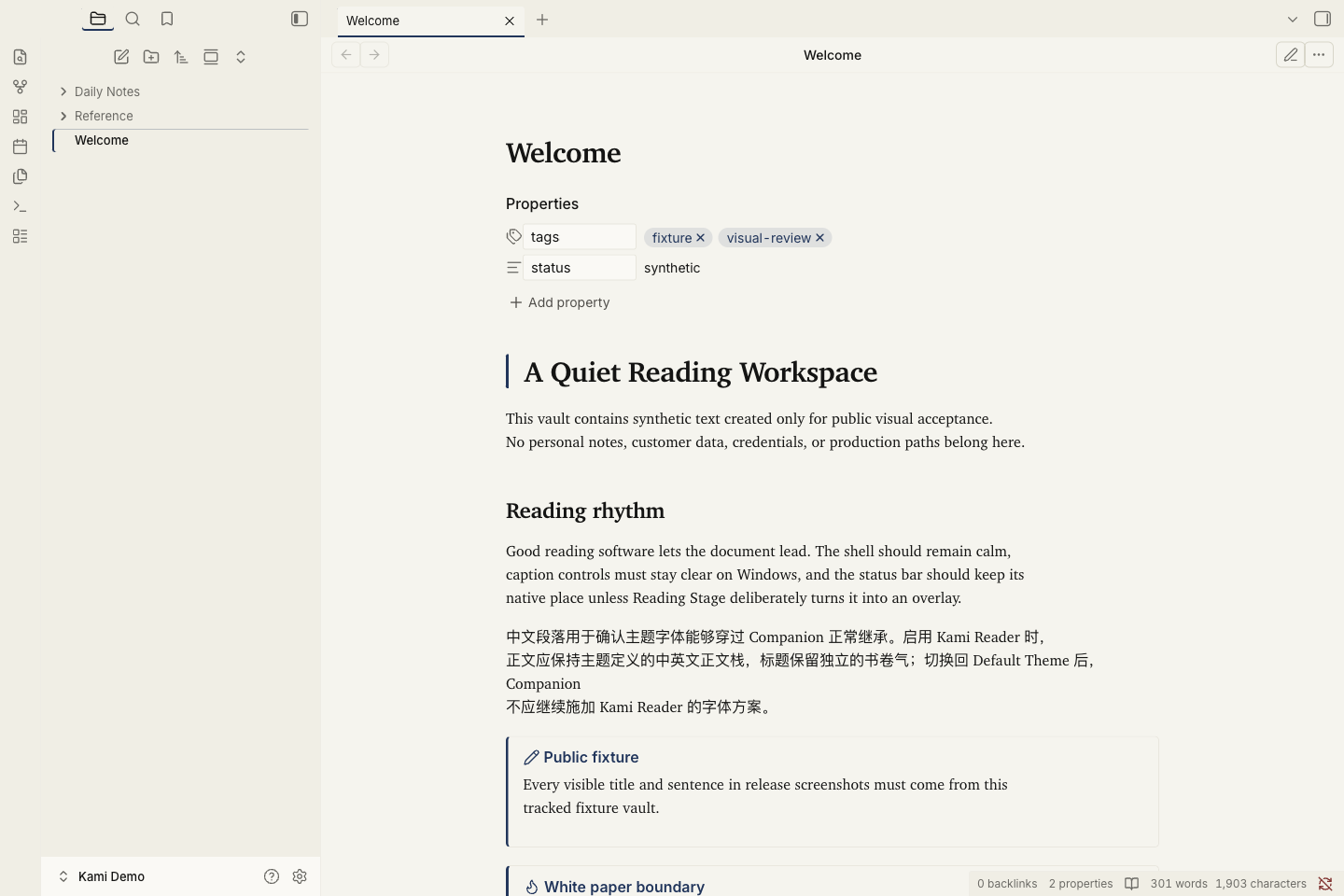 |
Dark reading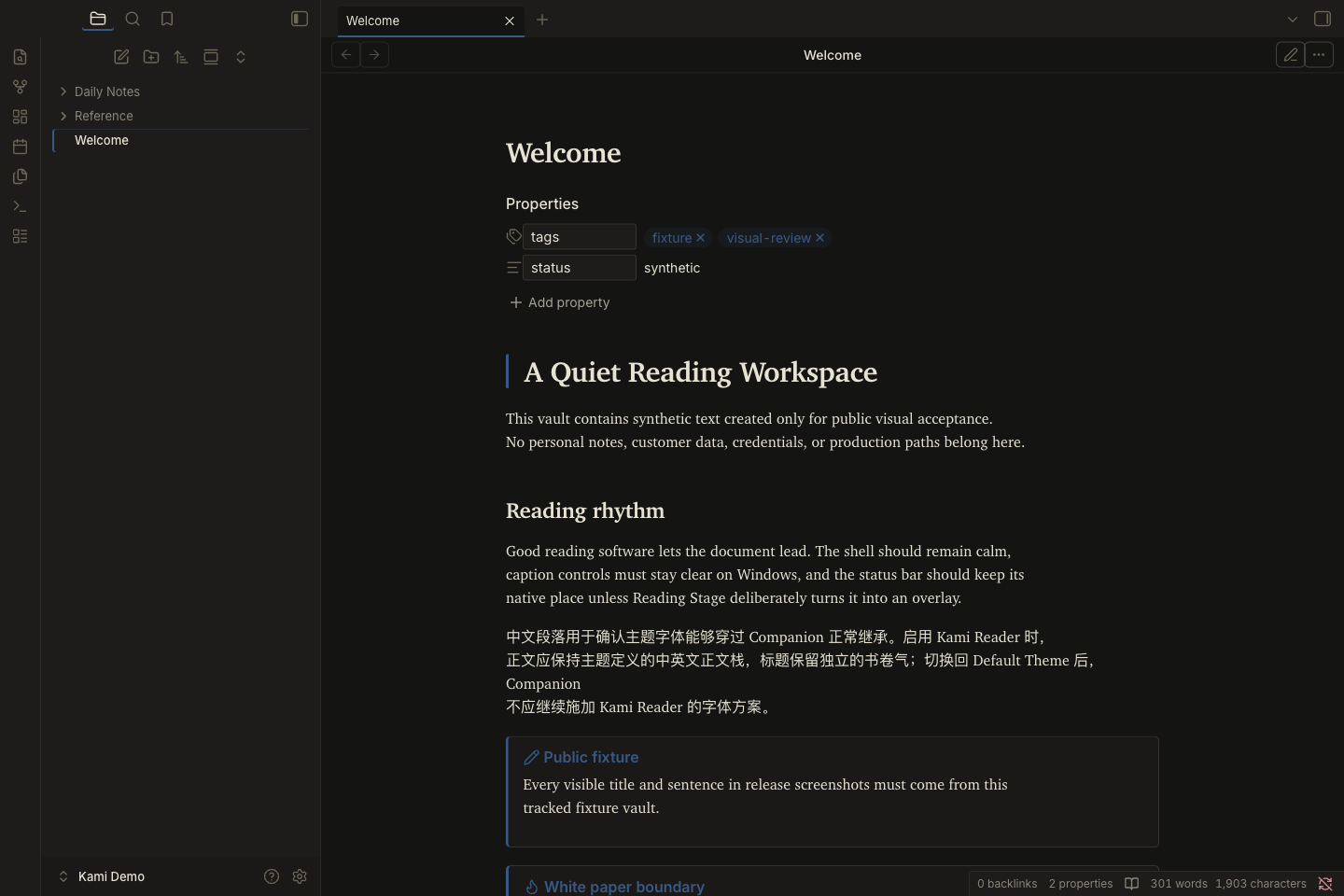 |
Live Preview editing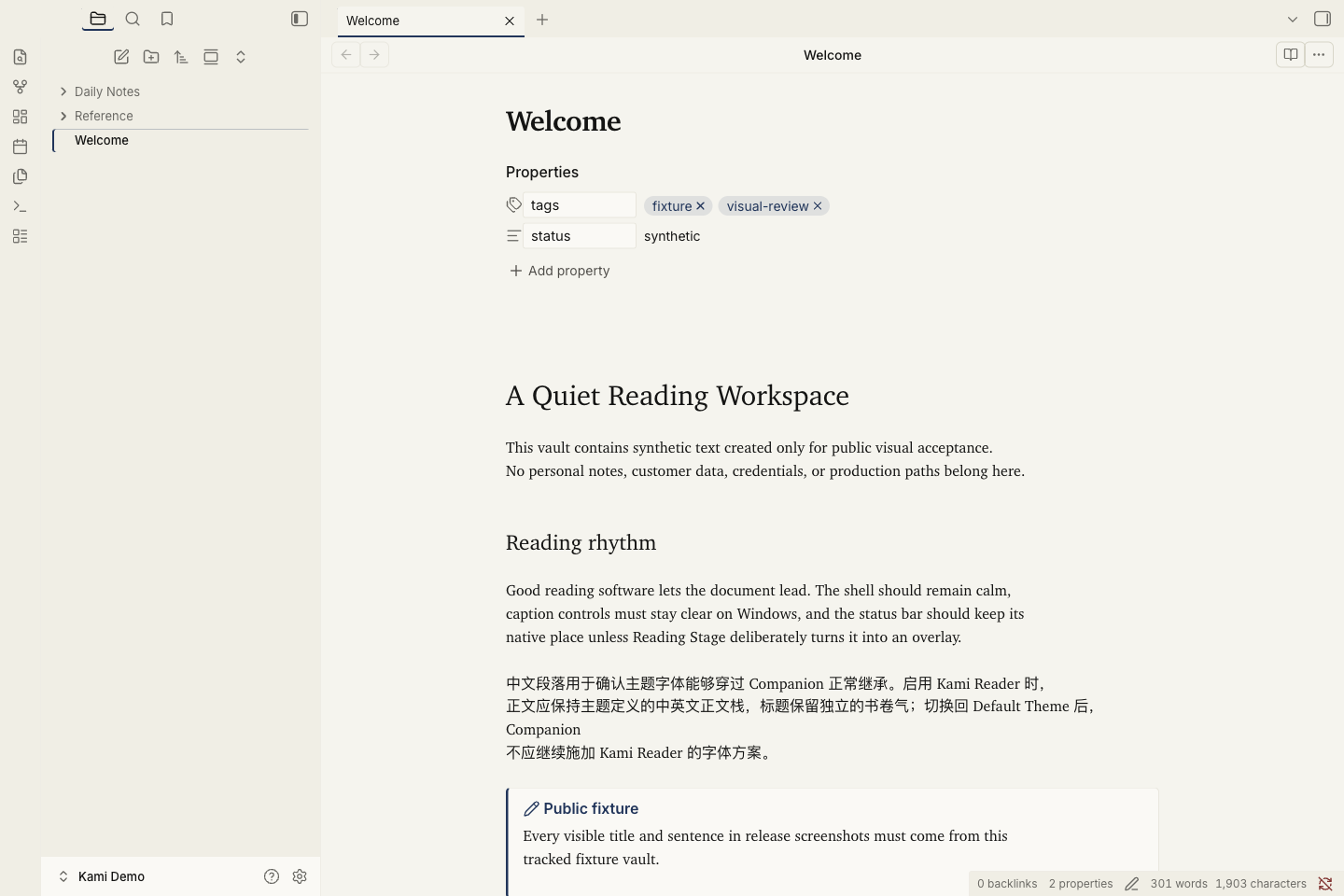 |
Callouts and tables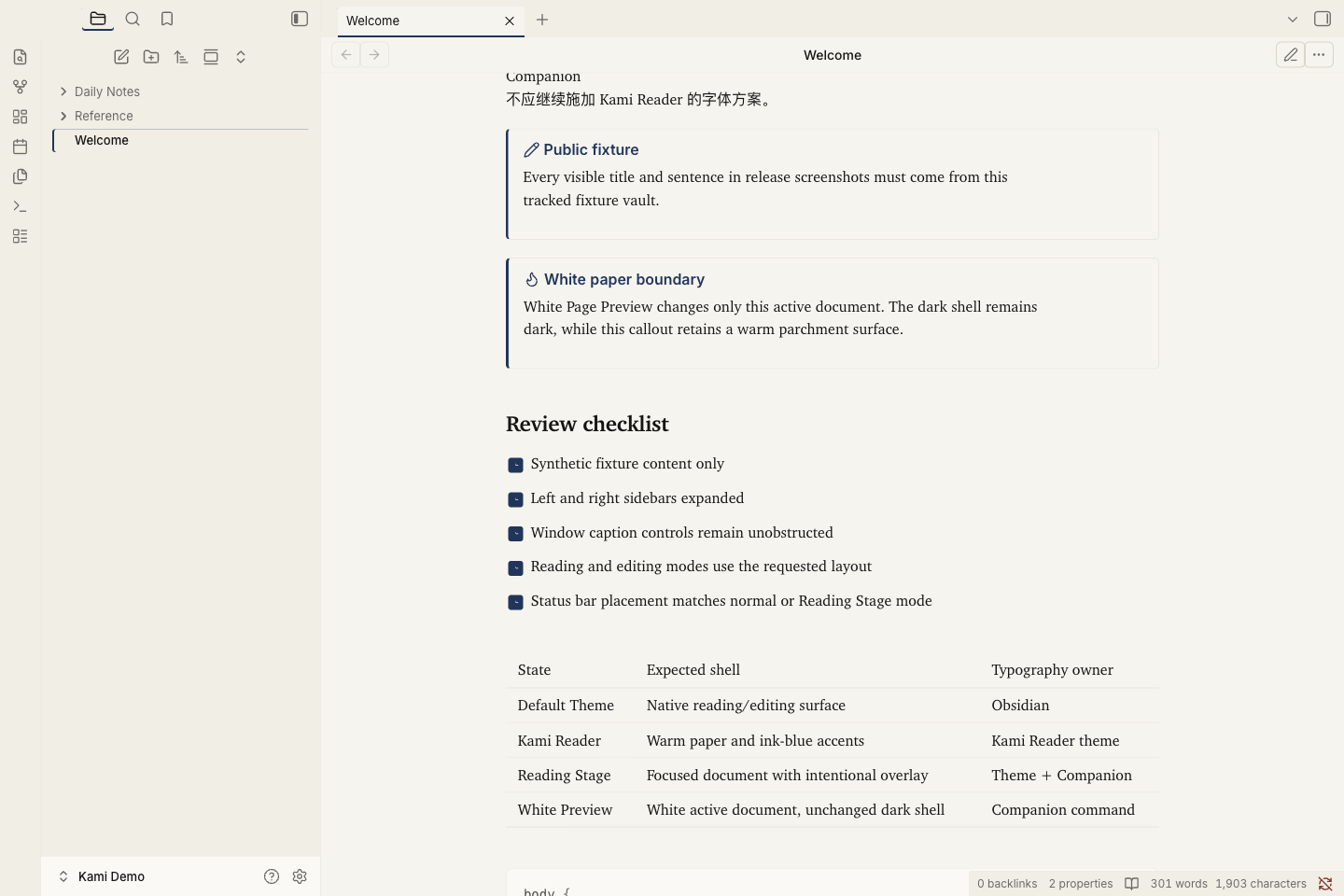 |
See Capture record for test details.
Style Settings
To preserve design coherence, the theme avoids cluttering switches and provides only 6 high-value adjustments.
Install the Style Settings community plugin, then head to Settings → Style Settings → Kami Reader:
- Body font family: Tune body text (headings retain their separate editorial stack).
- Body line-height: 1.55 default (range 1.3–1.9; toggle
Cmd/Ctrl + Eonce in Live Preview to refresh). - Note max width: 700px default for optimal line length.
- Bold emphasis strength: Choose 500, 600, or 700 (defaults to 500 in Light and 600 in Dark).
- Accent color: Customize the ink-blue accent (independent light/dark controls).
- Primary background: Fine-tune the warmth of the parchment surface (independent light/dark controls).
Typography
--font-text-theme: "Charter", "Georgia",
                   "Source Han Sans SC", "Noto Sans CJK SC",
                   "PingFang SC", "Microsoft YaHei", sans-serif;

--font-heading-theme: "Charter", "Georgia",
                       "TsangerJinKai02",
                       "LXGW WenKai Screen", "LXGW WenKai",
                       "Source Han Serif SC", "Noto Serif CJK SC", serif;
- Charter: English serif (macOS native, falls back to Georgia on other platforms).
- Source Han Sans SC / System Sans: Default CJK body stack, chosen for fatigue-free long reading.
- LXGW WenKai Screen: CJK heading face, preserving handwritten warmth while body text stays clean.
- JetBrains Mono: Code font.
- Inter: UI and navigation font.
💡 Font installation: Only LXGW WenKai Screen is recommended for optional heading texture. Body copy falls back to system fonts with no setup required.
Installation
Method 1: Obsidian Theme Gallery (Recommended)
- In Obsidian, go to Settings → Appearance → Themes and click Manage.
- Search for
Kami Reader. - Click Install and use.
- (Optional) Install Style Settings to customize typography, line-height, and colors.
Method 2: Manual Installation & Developer Setup
Copy manifest.json and theme.css into your vault under .obsidian/themes/kami-reader/.
Note on macOS Sequoia Sandbox:
The Mac App Store version of Obsidian runs in a sandbox. macOS 15+ tags files copied viacpin Terminal withcom.apple.provenance, causing Obsidian to silently ignore the local theme folder during development.If you are developing and editing
theme.csslocally, use the CSS snippet injection workflow:
- Run
./sync.shto generateinject-kami-snippet.js;- Open Obsidian DevTools (
Cmd+Option+I), paste into the Console, and press Enter;- Enable the
kamisnippet under Settings → Appearance → CSS Snippets.(Regular users installing through the Theme Gallery are completely unaffected.)
Coverage & Improvements
- ✅ Color tokens (60+ CSS variables for light & dark palettes)
- ✅ Dedicated dark mode (
#141413base +#2D5A8Aink light) - ✅ Full Reading View & Live Preview styling
- ✅ Adaptive workspace: whitespace adapts to pane width, narrow panes preserve reading space, wide tables scroll locally
- ✅ Complete Workspace shell: titlebar, sidebars, ribbon, tab strips, status bar, dividers
- ✅ Core overlays: command palette, quick switcher, settings modal, context menus
- ✅ Clean PDF export: white paper output with warm parchment retained in cards and callouts
- ✅ Respects system reduced-motion preferences
Credits & License
- Design system & tokens: tw93/kami (MIT). This theme is an unofficial derivative adaptation.
- License: MIT License.
- Fonts: Charter (OFL), LXGW WenKai (OFL), JetBrains Mono (OFL), Inter (OFL).