README file from
GithubNu Ayu Theme for Obsidian
Latest version: 2.0.5 — compatible with 1.13.4.
Updated: 2026-09-29
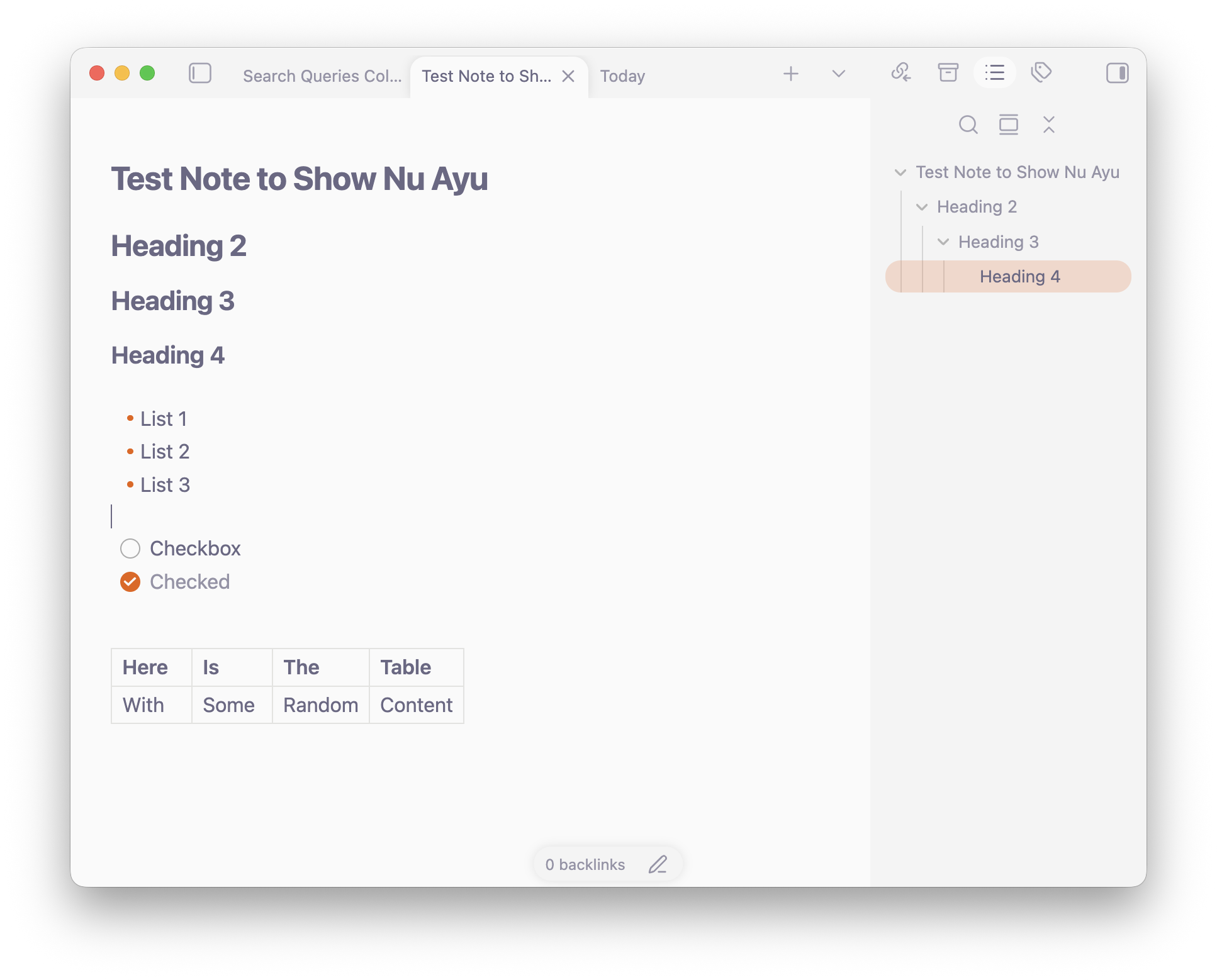
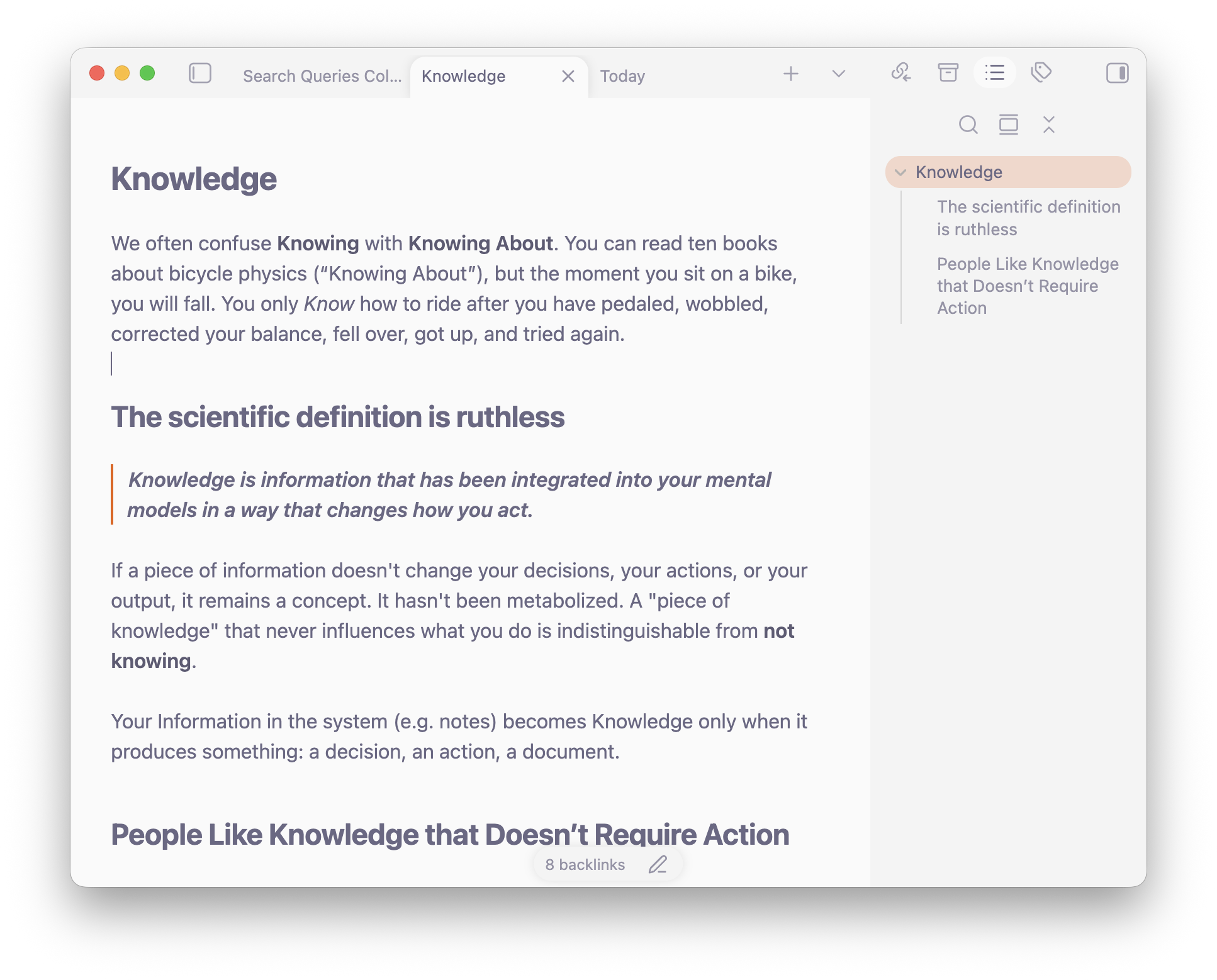
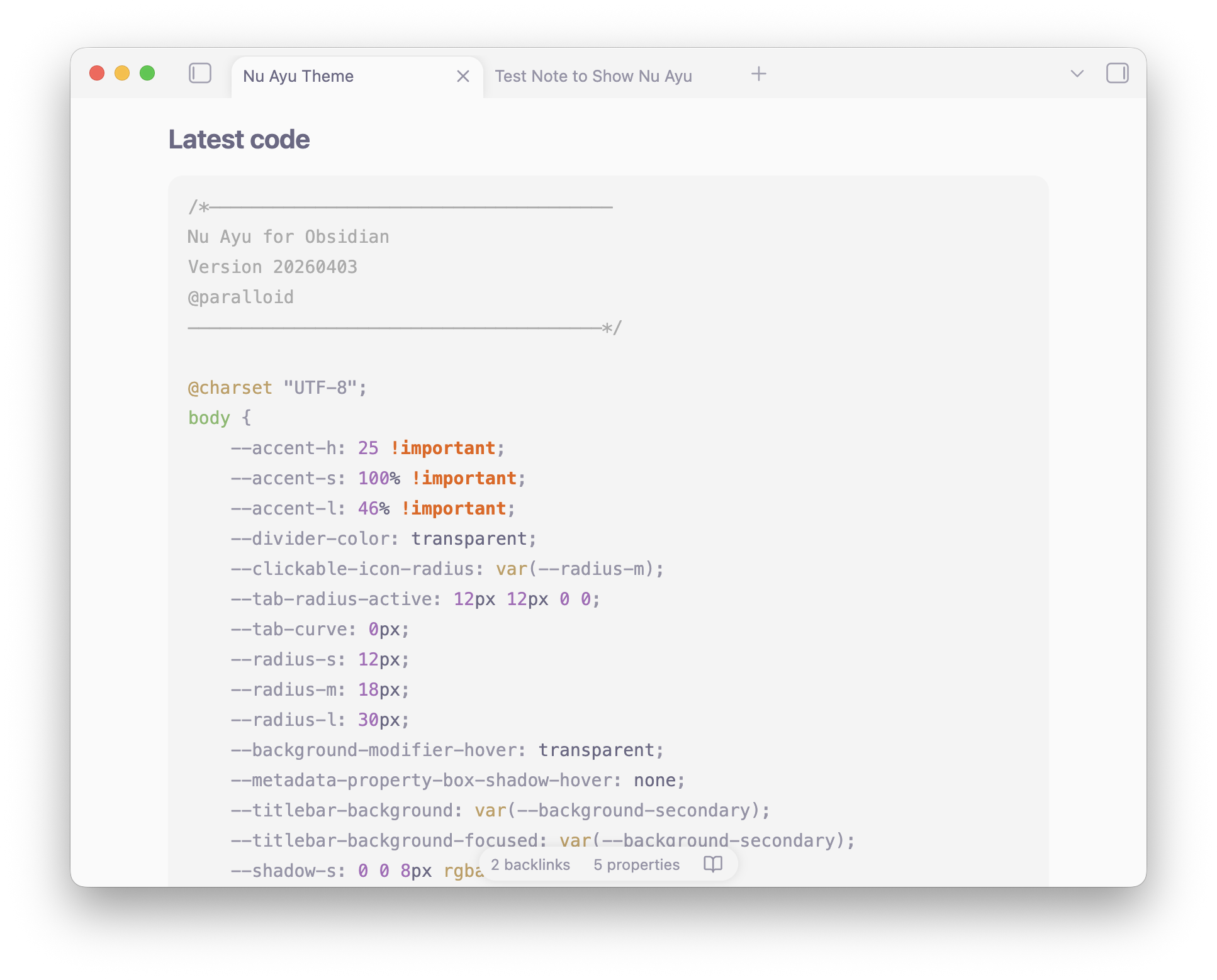
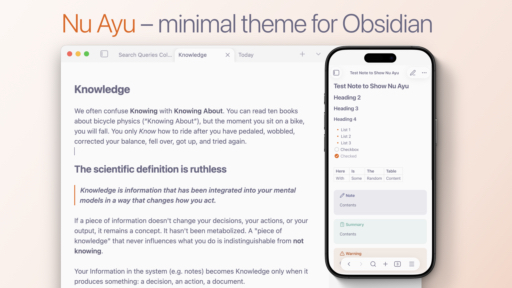
This theme is less about the look, and more about the feel — it feels more like paper. Paper doesn't change color when you hover a pencil over it, it doesn't blink or make you feel "caged". The original dividers, effects, and box shadows are interactive, but lead to the "synthetic" feel — making Obsidian too much interactive.
So most of the work was done to remove stuff, rather than add stuff.
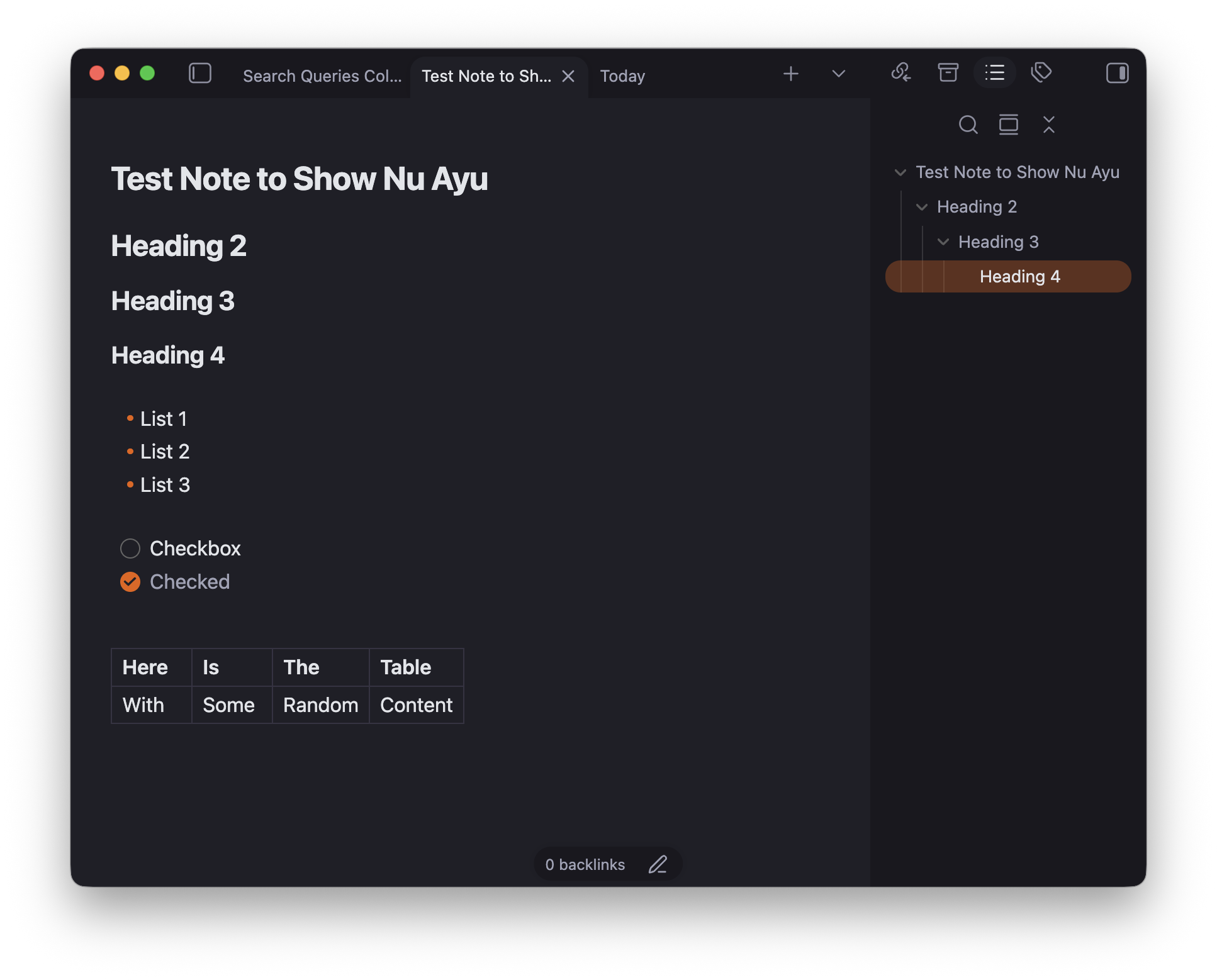
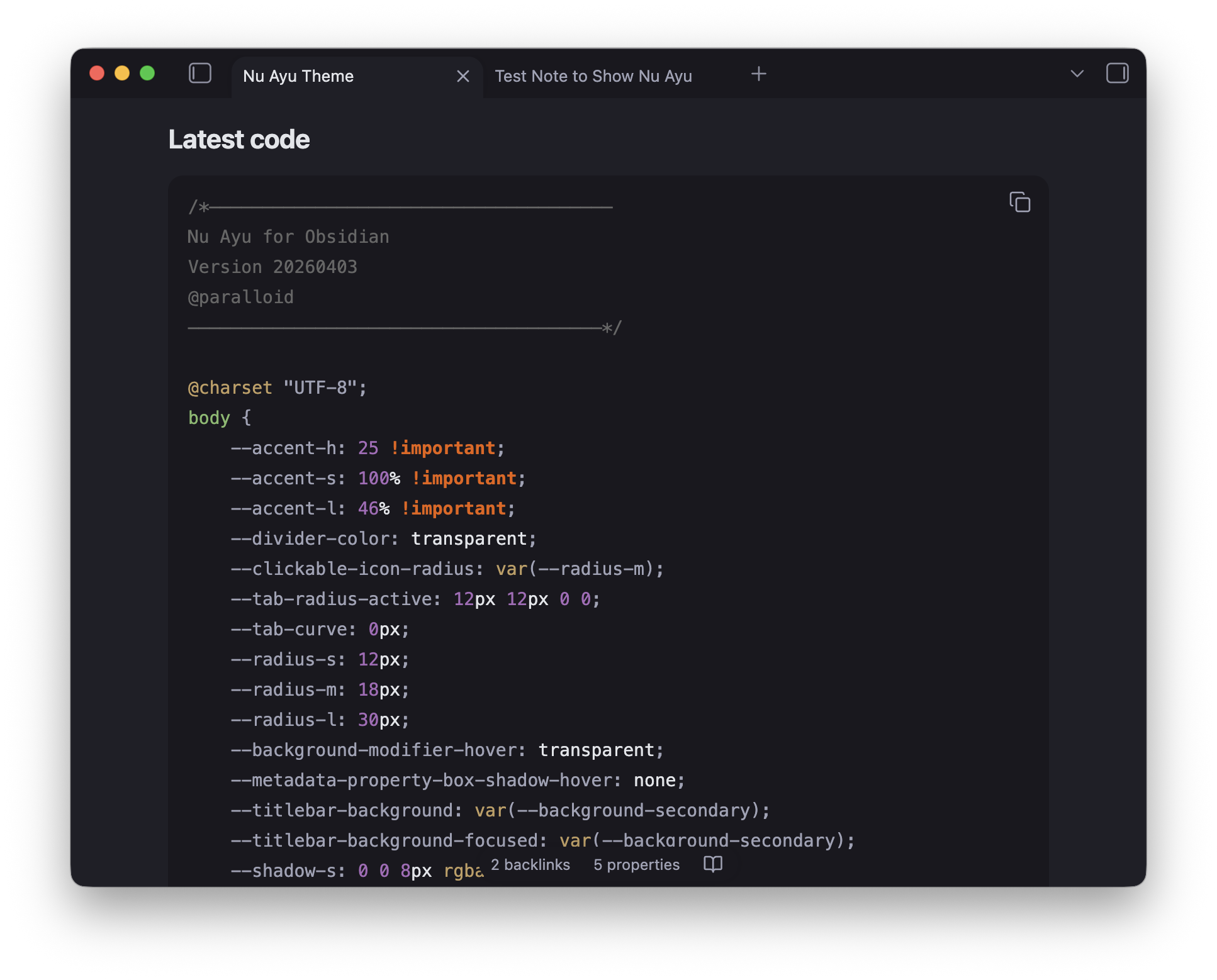
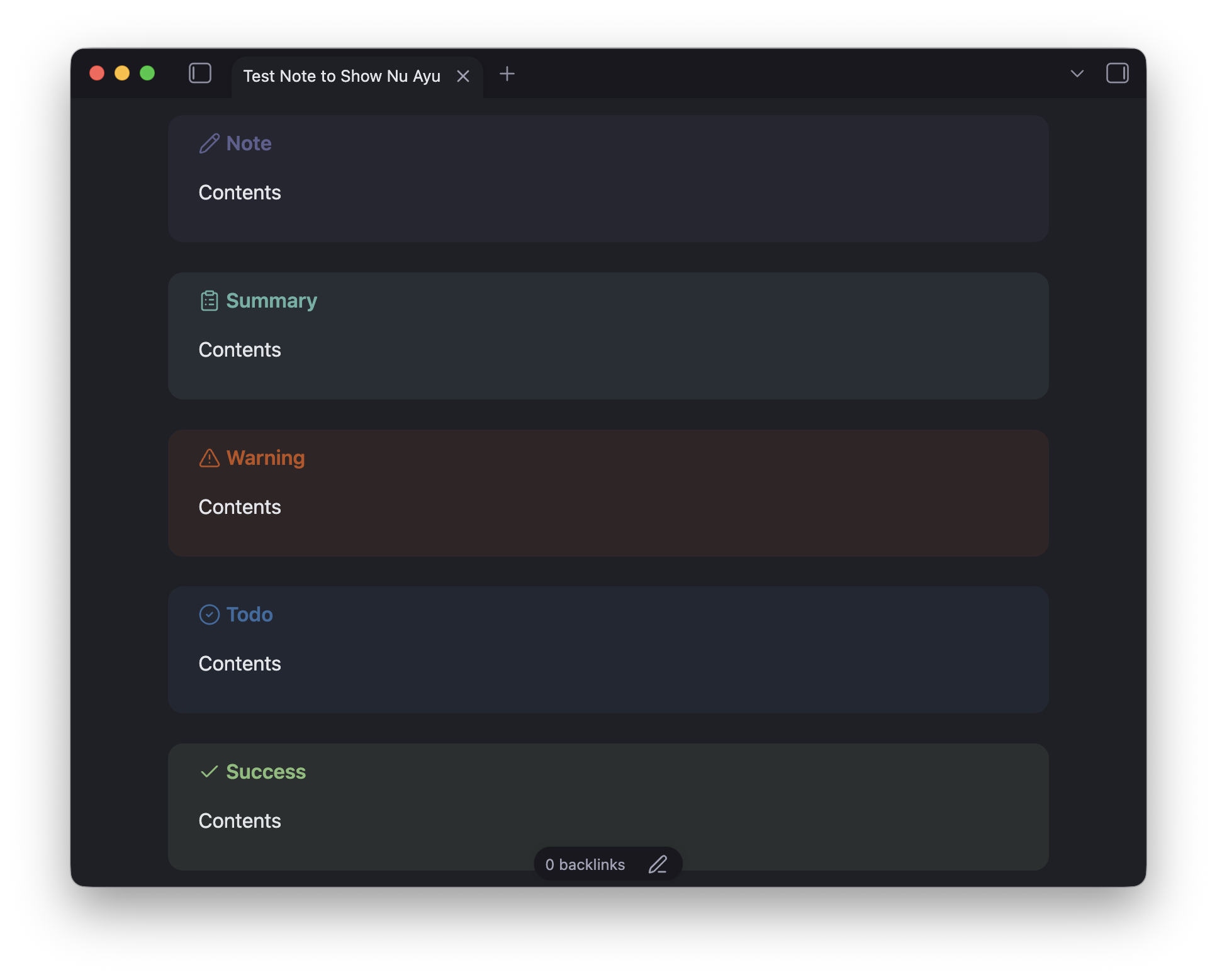
The resulting theme is open, natural, and non-distracting. Reduced contrast of Ayu colors is aimed to take off some load off user's eyes. Dark mode is crafted from scratch: deep violet-tinged backgrounds with a consistent warm orange accent throughout.
The goal was to help you focus on what matters — your thoughts and writing:
- Removed most of the borders, hover effects, highlights on hover, unexpected box-shadows, and other stuff that contributes to distraction
- Input fields look consistent throughout the app and platforms
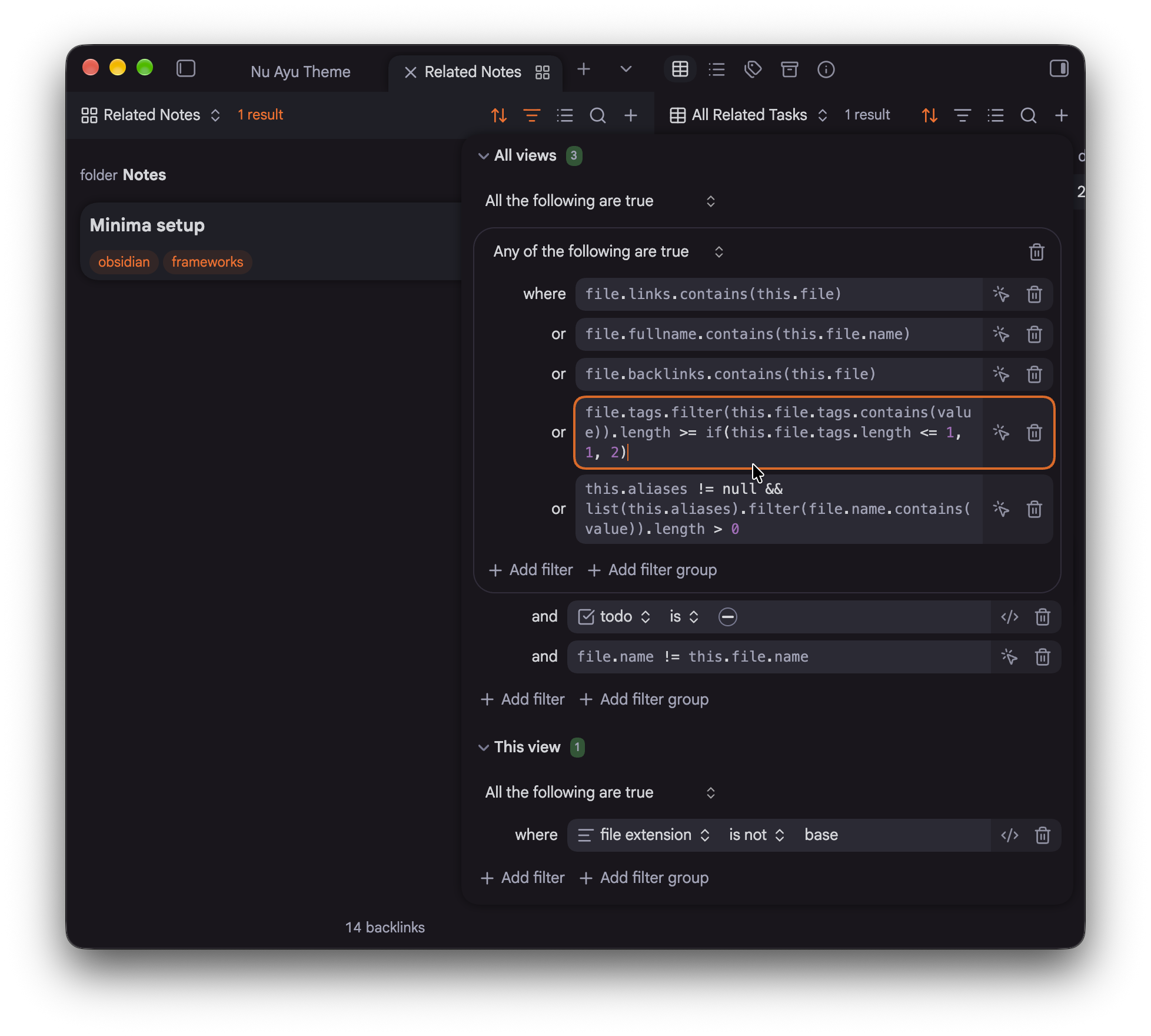
- Bases views were heavily (heavily!) cleaned up both on desktop and mobiles
- Smooth fade-ins for the embedded content
- Smooth appearance for the Markdown syntax
- Borders' looks are unified across the app
- Active sidebar elements have nice highlight
- Text in bold gets brighter,
- Folders can get accent color via Style Settings
- Code blocks looks consistent and inline with the theme
Features
- Light & Dark modes
- Super clean minimal look
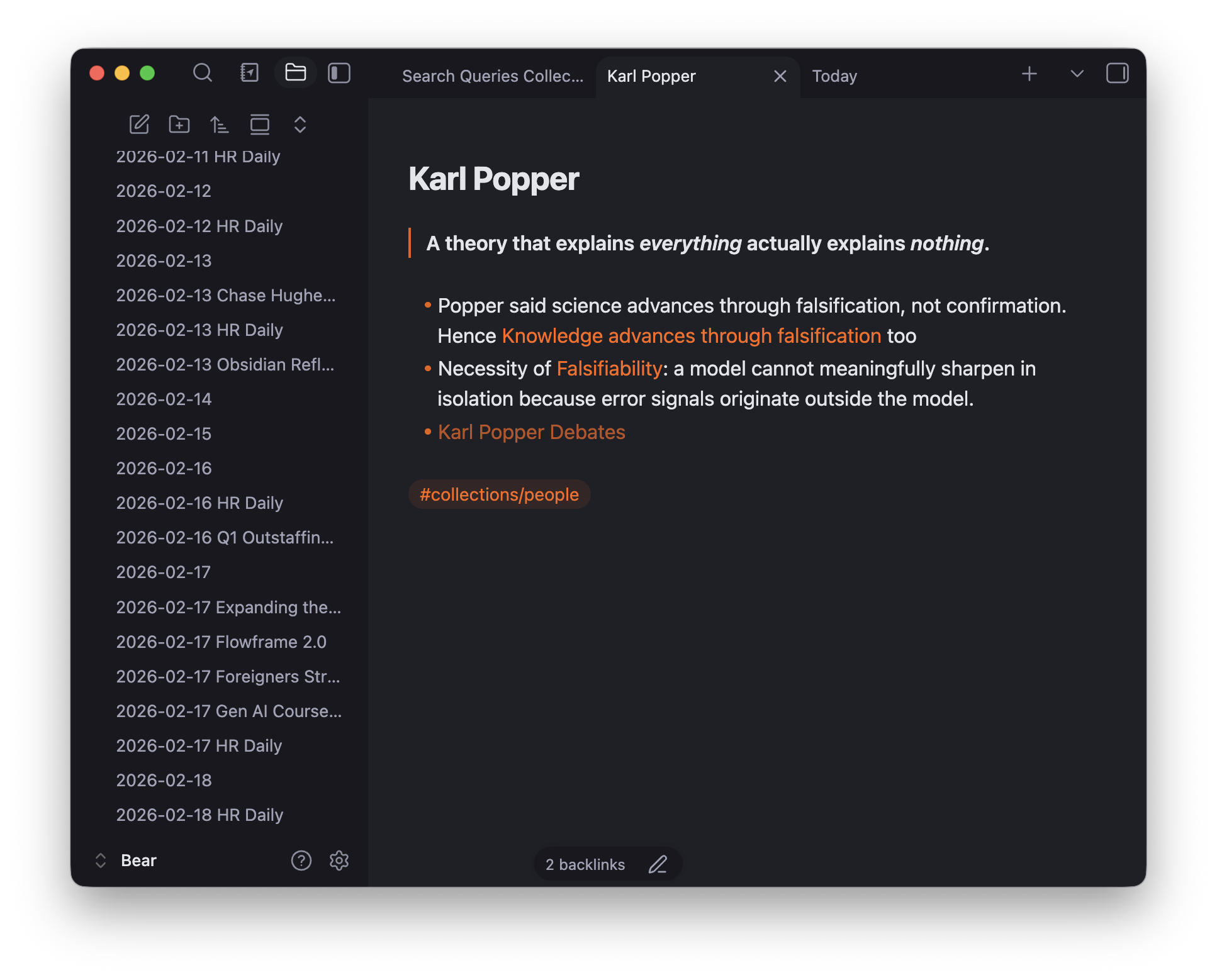
- Very nice looking Dark Mode crafted from scratch with optional full black backgrounds option for mobile devices
- Special attention to mobile devices – bigger tap areas, file tree, reduced animations, and more
- Full size sidebars
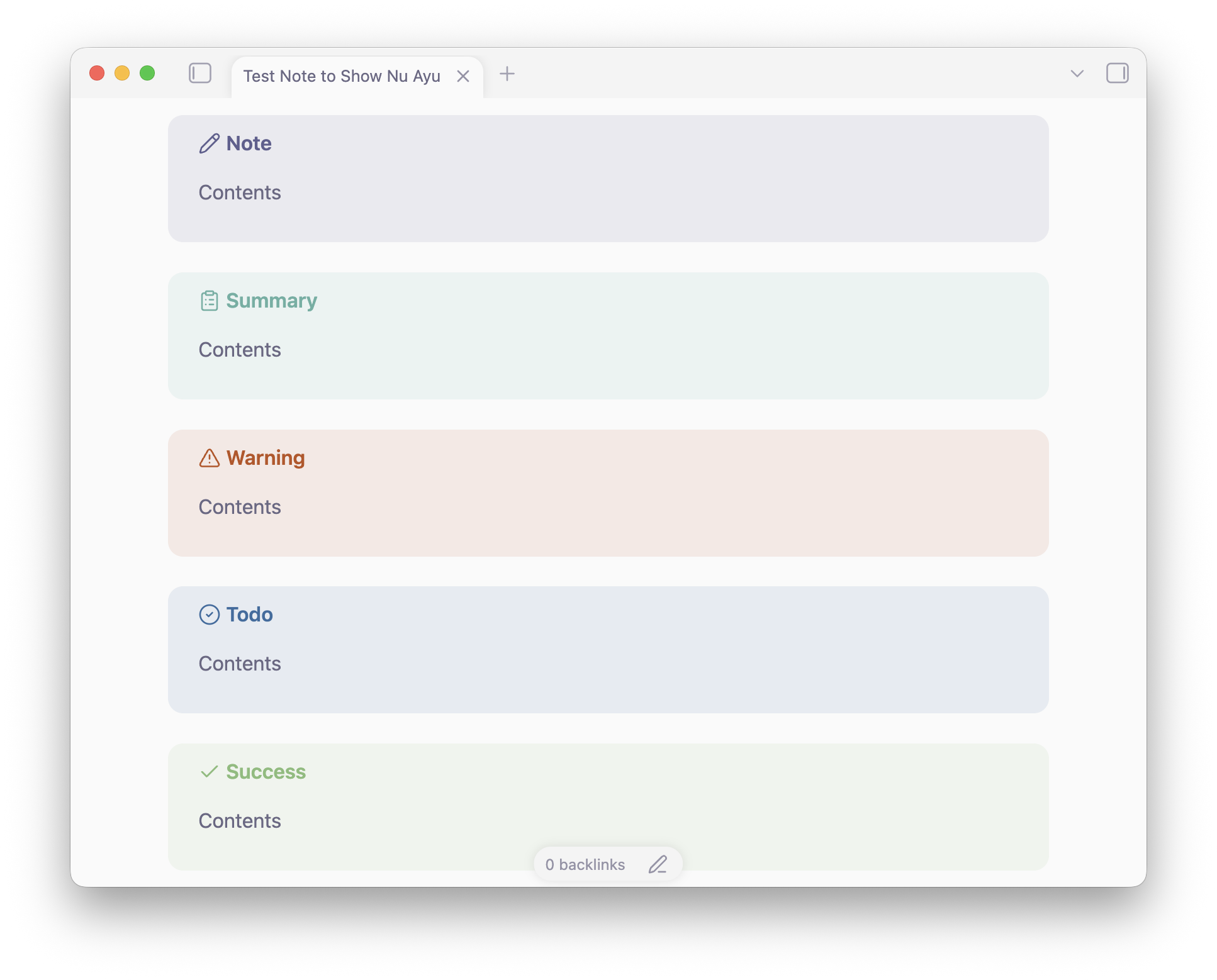
- Custom colors for Callouts
- Custom colors for Code Blocks
- Tons of improvements for Bases — Bases cards, filters, formulas on all platforms
- Dataview embeds and task lists now look much more "native" thanks to removing "foreign" animations and box-shadows effects
- Full Notebook Navigator styling to match overall aesthetics
- Style Settings support:
- Tab Close button on the left – native feel for macOS and iPadOS
- Thin Headers for cleaner look
- Accent Folders adds orange accent for visual hierarchy
- Remove Bases Labels on Bases Cards
- Remove Bases Header in Reading Mode
- Full black backgrounds option for mobile devices
As a result you have much more fluid, cohesive, and less overwhelming experience, with less distractions and more space for meaningful work.
Manual Installation
Note: for now this theme is still under review to get to the official catalog. Once it is there – you'll be able to find it through standard Obsidian theme repo.
- Download the
theme.cssandmanifest.jsonfiles from the this GitHub page, or Download the latest release archive. - Open your Obsidian vault on your computer.
- Navigate to the hidden
.obsidian/themes/folder. Tip: If you don't see the.obsidianfolder, enable "Show hidden files" in your OS settings. - Create a new folder inside
themesand name it Nu Ayu. - Move the downloaded
theme.cssandmanifest.jsonfiles into this new folder. - Open Obsidian, go to Settings > Appearance, and select Nu Ayu from the Themes dropdown.
More Screenshots