
README file from
GithubA dark/light Obsidian theme with yellow and amber accents.
Dark mode
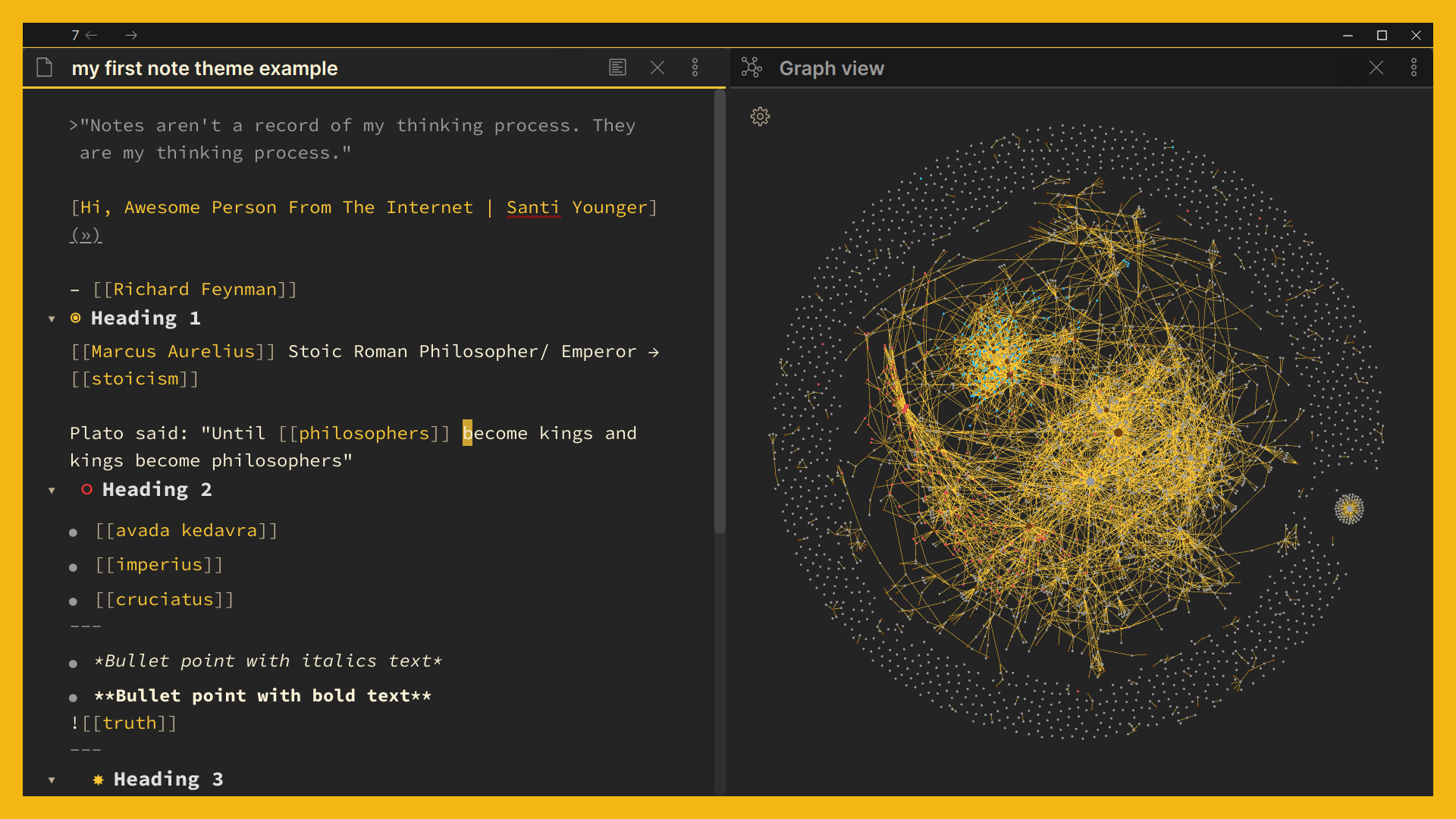 Dark backgrounds with yellow accents.
Light mode
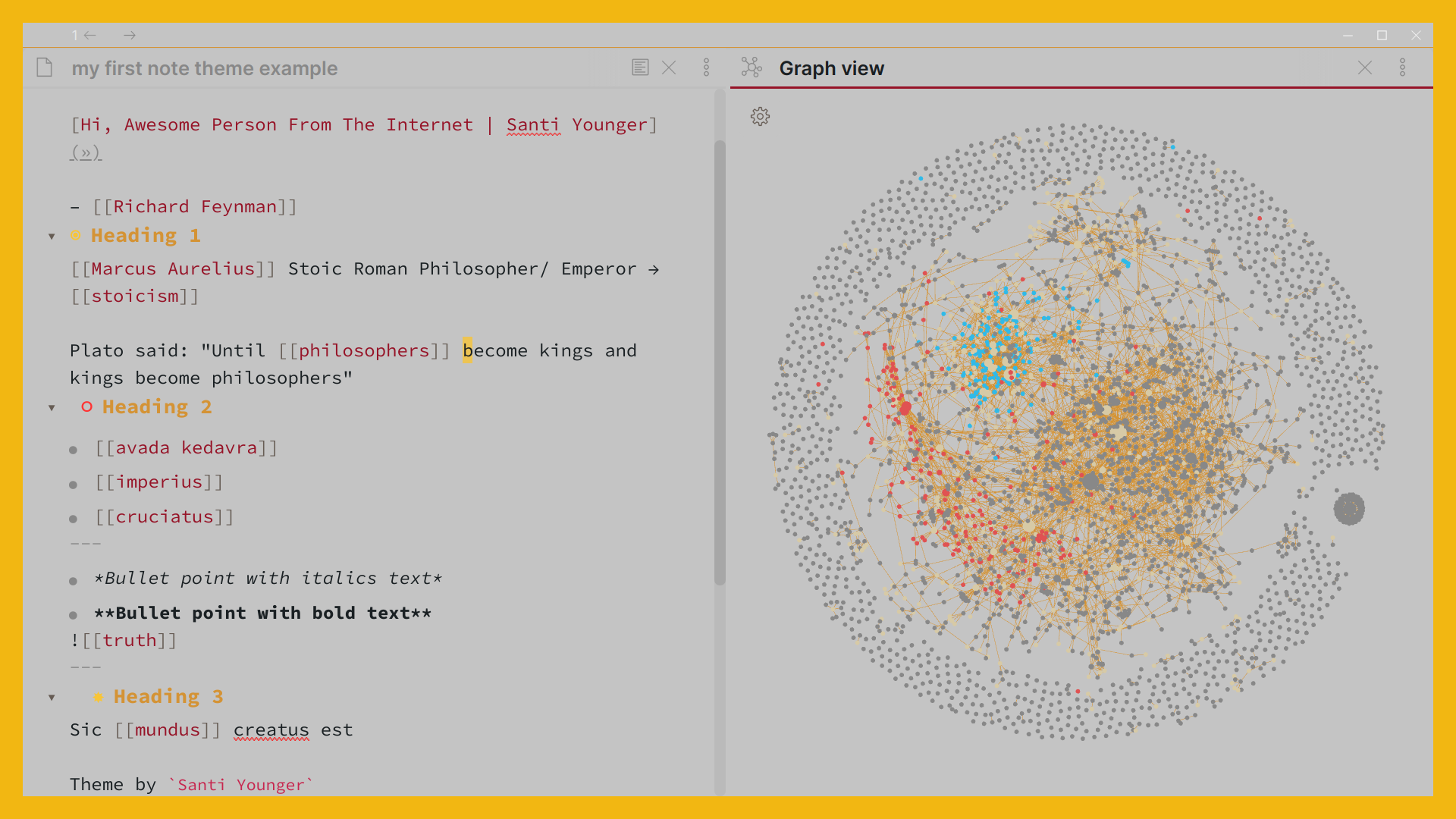 Light cream backgrounds with amber accents.
Install and Use
Settings → Appearance → Themes → Manage → search Wasp → Install → select Wasp as your theme.
Fonts
Wasp uses Source Code Pro for the editing view and code, and Obsidian's default font everywhere else. Source Code Pro is built into the theme, so you don't need to install it.
To change them, go to Settings → Appearance → Font: pick a Text font (this also replaces the editing-view font), a Monospace font, or change the Font size.
If you use the Style Settings plugin, Wasp adds a switch there to use your normal text font in the editing view instead of Source Code Pro.
Source Code Pro is © Adobe, used under the SIL Open Font License 1.1 (see LICENSE-SourceCodePro.txt).
License
MIT — see LICENSE.
Wasp by Santi Younger.
Wasp is free to use. If you like it, just leave a comment on one of my latest YouTube videos saying you use Wasp, or send me an email.