
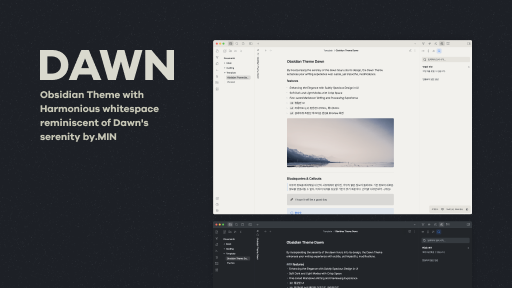
README file from
GithubDawn-v2
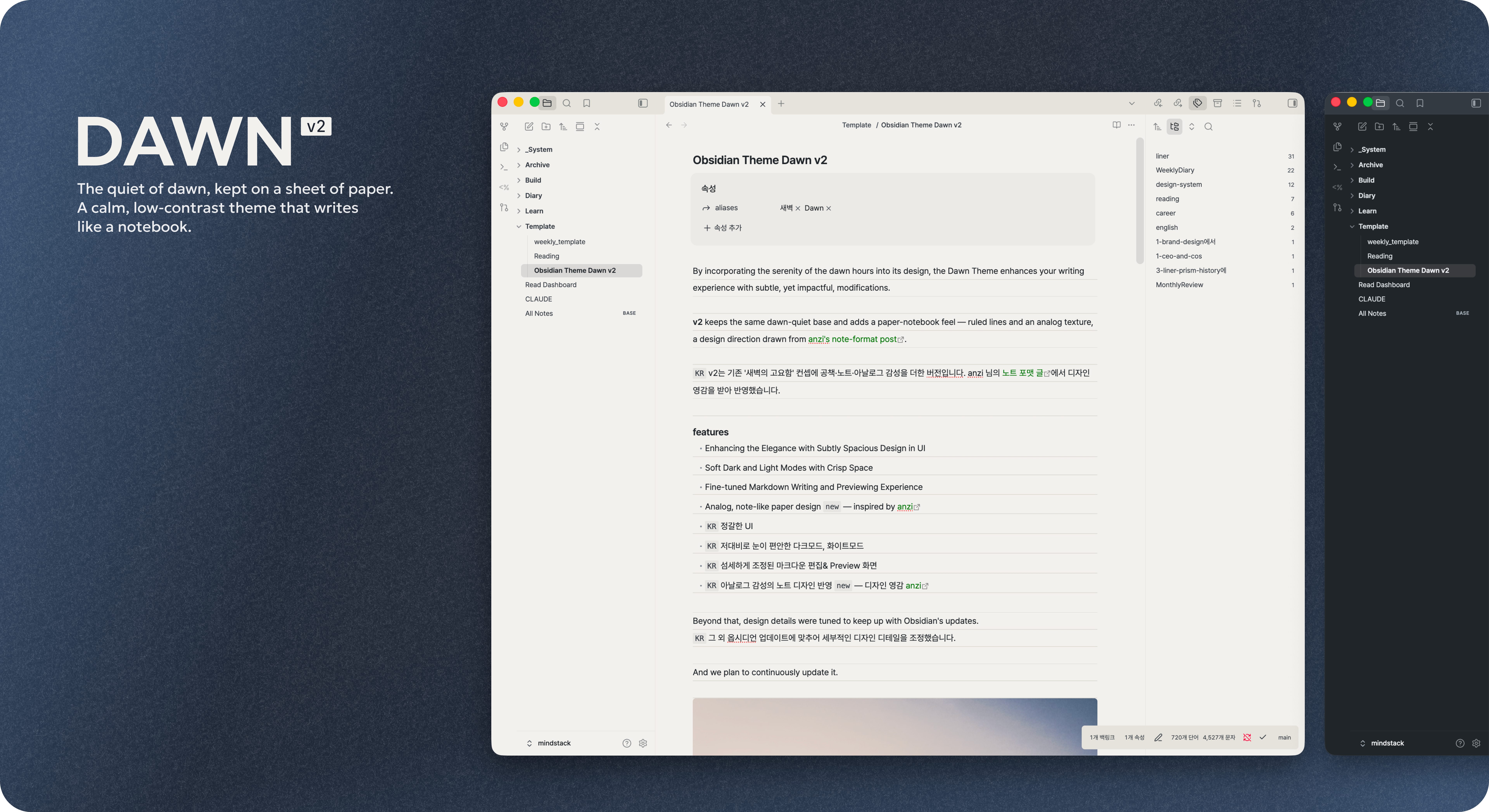
By incorporating the serenity of the dawn hours into its design, the Dawn Theme enhances your writing experience with subtle, yet impactful, modifications.
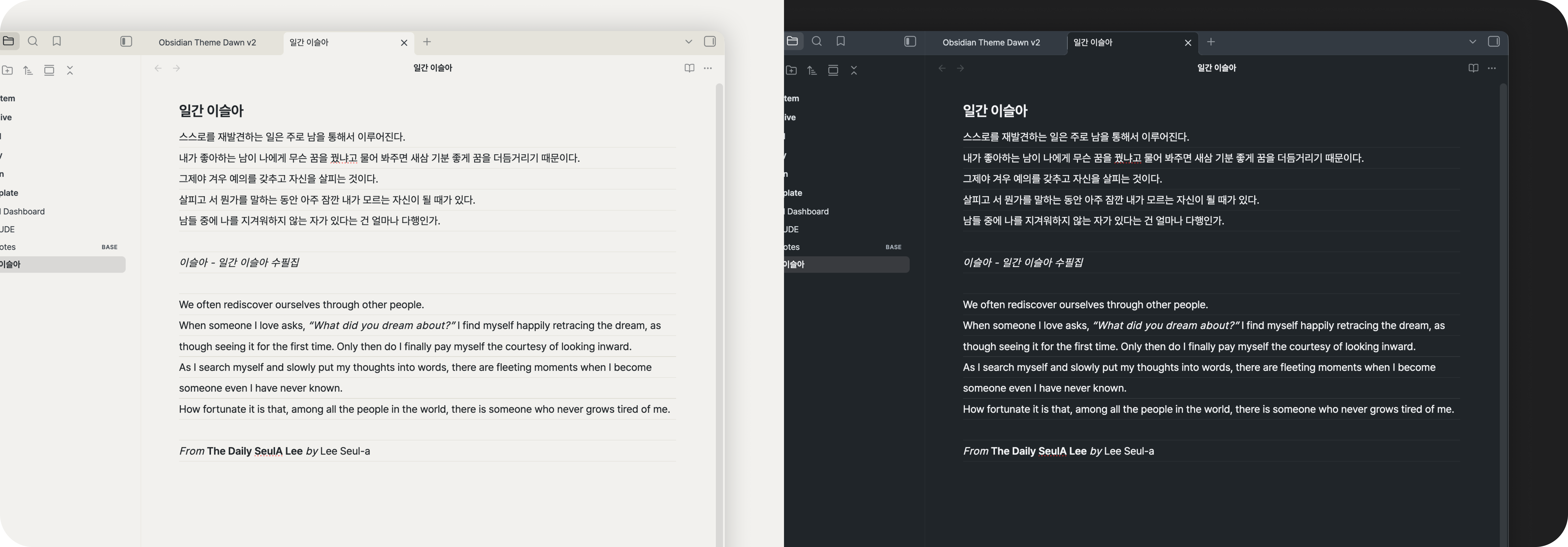
v2 keeps the same dawn-quiet base and adds a paper-notebook feel — ruled lines and an analog texture, a design direction drawn from anzi's note-format post.
KR v2는 기존 '새벽의 고요함' 컨셉에 공책·노트·아날로그 감성을 더한 버전입니다. anzi 님의 노트 포맷 글에서 디자인 영감을 받아 반영했습니다.
features
- Enhancing the Elegance with Subtly Spacious Design in UI
- Soft Dark and Light Modes with Crisp Space
- Fine-tuned Markdown Writing and Previewing Experience
- Analog, note-like paper design
new— inspired by anzi KR정갈한 UIKR저대비로 눈이 편안한 다크모드, 화이트모드KR섬세하게 조정된 마크다운 편집& Preview 화면KR아날로그 감성의 노트 디자인 반영new— 디자인 영감 anzi
Beyond that, design details were tuned to keep up with Obsidian's updates.
KR 그 외 옵시디언 업데이트에 맞추어 세부적인 디자인 디테일을 조정했습니다.
And we plan to continuously update it.
Color
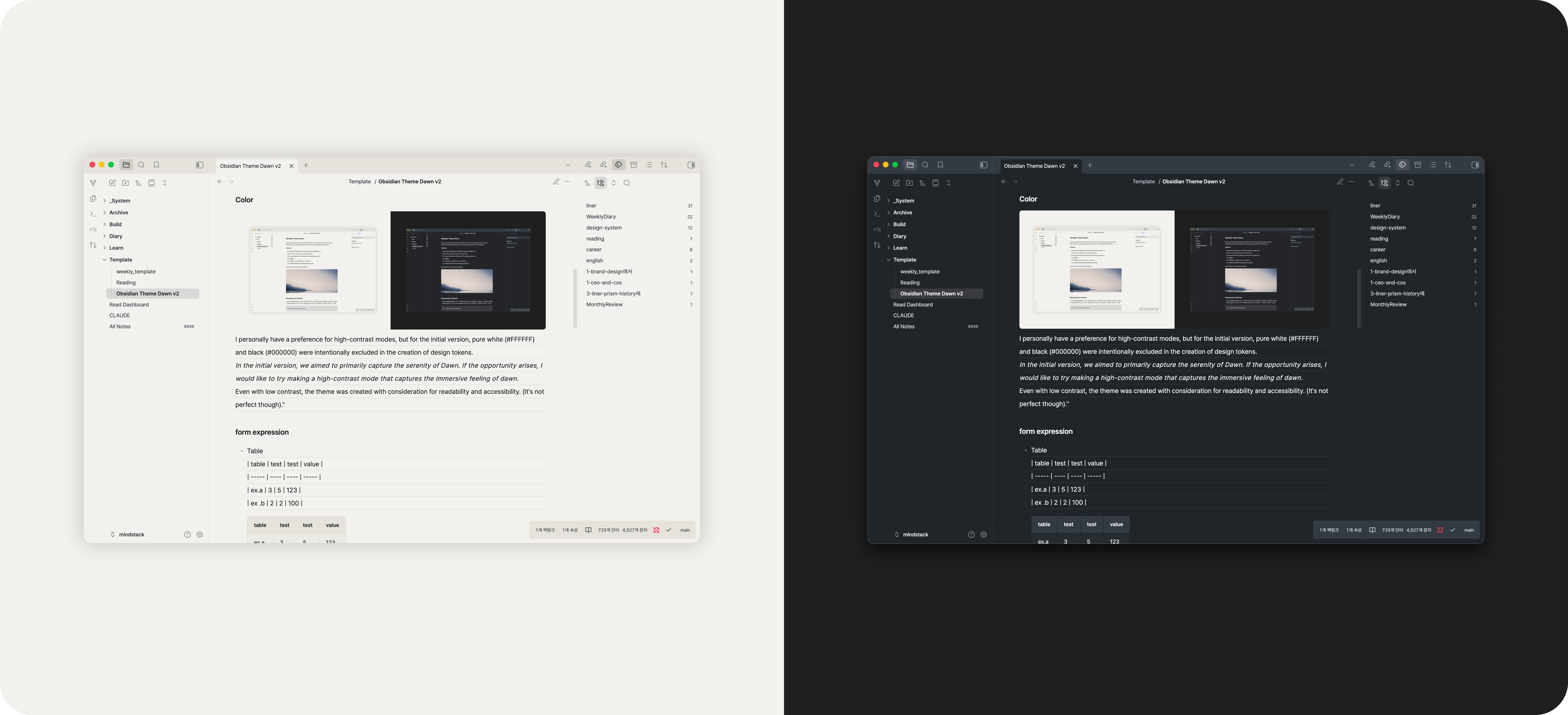
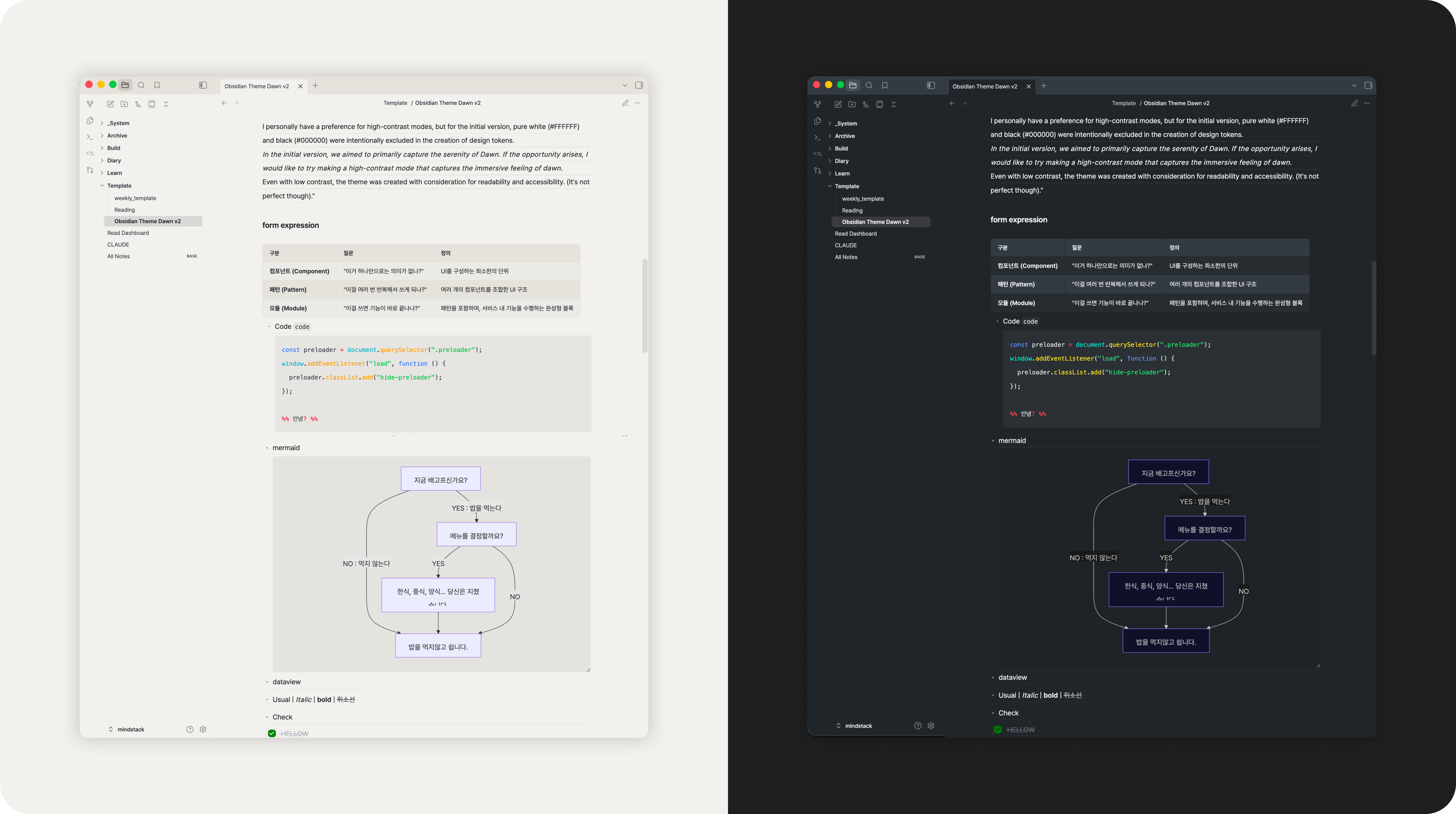
I personally have a preference for high-contrast modes, but for the initial version, pure white (#FFFFFF) and black (#000000) were intentionally excluded in the creation of design tokens.
In the initial version, we aimed to primarily capture the serenity of Dawn. If the opportunity arises, I would like to try making a high-contrast mode that captures the immersive feeling of dawn.
Even with low contrast, the theme was created with consideration for readability and accessibility. (It's not perfect though).
Document
form
Blockquotes & Callouts
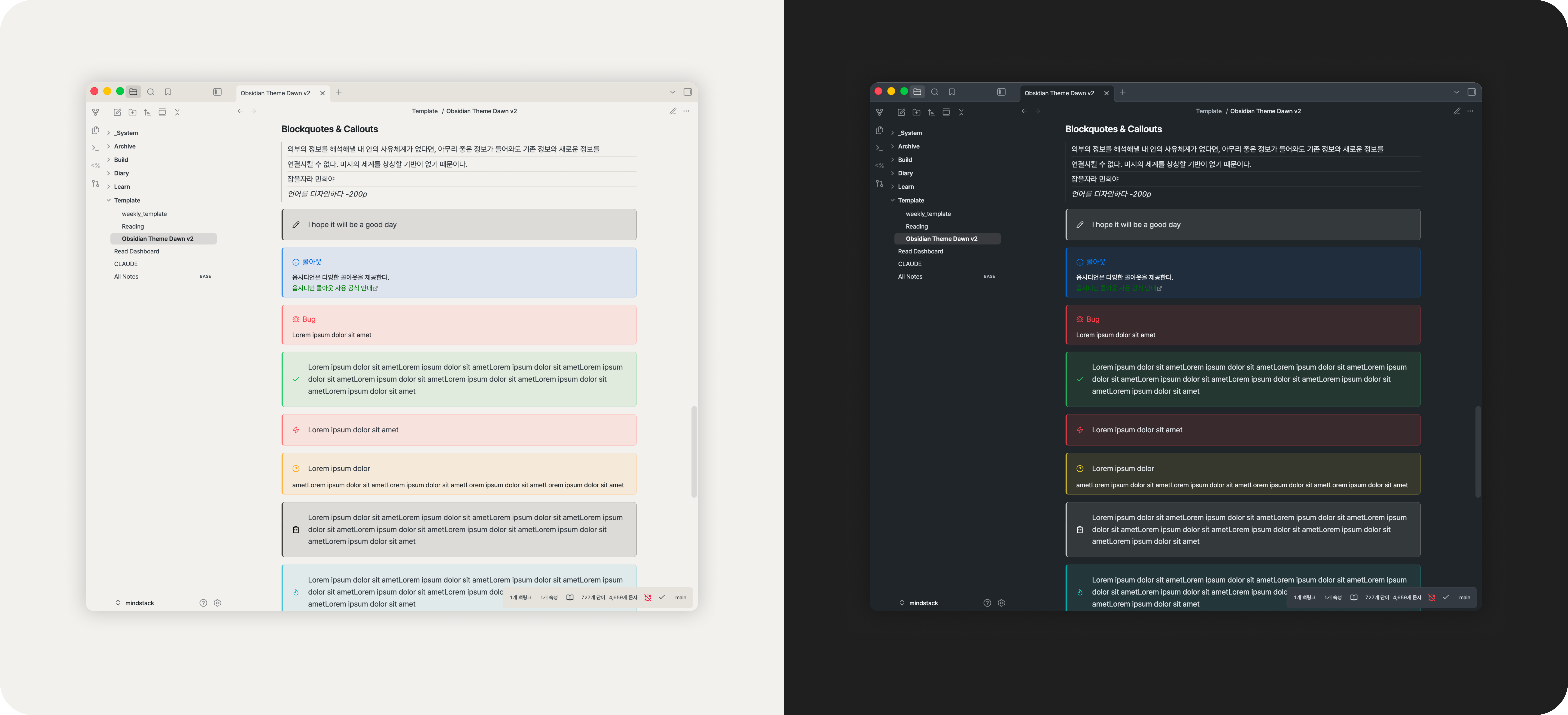
With Obsidian, you can create beautiful notes using various markdown options.
Fine-tune the design with detailed customization for better formatting.
Make this part more stunning with feedback, please!
Changelog
2.0.9
- Reading-view table cells use the same 12px padding as Live Preview tables.
2.0.8
- Reading-view tables match Live Preview tables: no width cap (wide tables keep their column widths and scroll sideways), no zebra striping, no fixed 14px cell text.
2.0.7
- Reading-view lists: every item is ruled like in editing, but blocks inside a list (headings, callouts, code, tables) are never ruled through. Parent items rule their first row only.
- Editing-view list rules start at the text edge, like reading.
2.0.6
- Fixed: in editing view, the ruled line cut through the text on the line directly below a heading.
2.0.5
- List item padding is 0 (
--list-spacing), so ruled lines stay aligned in lists, including wrapped lines.
2.0.4
- Experiment: full-width list rules painted on the list box. Superseded by 2.0.7 (it misaligned lists containing headings, callouts, or code).
2.0.3
- Editing and reading views share the same heading line height and heading spacing (16px above and below).
- Reading view shows one ruled line of space where editing has a blank line, so paragraph spacing matches.
2.0.2
- Obsidian 1.14 compatibility:
--setting-items-paddingwas split into-xand-y; Dawn follows. - Removed unused tokens.
2.0.1
- The status bar is docked as a thin strip at the bottom instead of floating over panes (it no longer overlaps content such as chat inputs), with compact icons.
- Extra space above a heading that follows a divider (
---).
2.0.0
- Editorial paper-notebook refresh.
LICENSE
You can freely change or suggest😁